
Webcomic Creator
Make webtoons and webcomics with AI. Describe your story, build your characters, and AI generates the panels and art — no drawing skills needed.
Create webcomics in minutes, not months
How to Make a Webcomic with AI
From concept to shareable webcomic pages.
Define Your Story Arc
Describe the episode or chapter: setting, characters, what happens. AI turns it into a structured scene-by-scene breakdown.
- ✓Standalone episode or chapter
- ✓Any genre — romance, action, slice of life
- ✓AI expands short prompts into full scenes
Create Consistent Characters
Describe your characters once — AI keeps them looking the same on every page, every episode.
- ✓Up to 6 characters per comic
- ✓Consistent look across all pages
- ✓Personality and role settings
Choose Your Style
Pick from manhwa, manga, anime, and more — all built for vertical scroll webcomic reading.
- ✓Manhwa and manga styles optimized for webtoon format
- ✓8 total styles to choose from
- ✓Style guides your mood and audience
Publish Your Episode
Download as HD PDF or image files. Publish on Webtoon Canvas, Tapas, your website, or anywhere.
- ✓HD PDF or image export
- ✓Publish anywhere
- ✓Up to 10 pages per episode
Popular Webcomic Genres
Every genre, every style.
Publish Anywhere
COMICPAD creates the comic — you own it and publish it wherever you want.
Styles Built for Webcomics
Manhwa, manga, and anime styles optimized for the webtoon audience. Pick the look your readers expect.
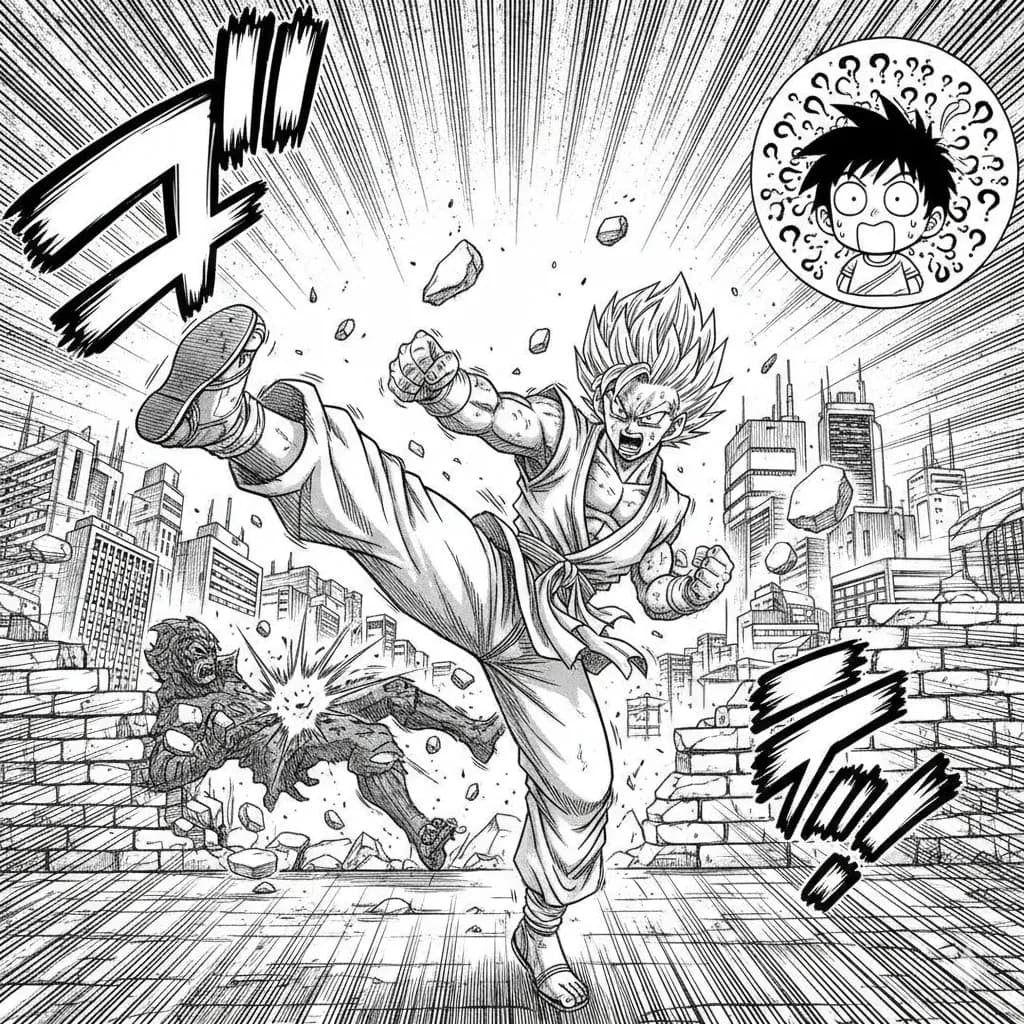
Manga
Classic Japanese manga with screentones and ink work.
Try this style →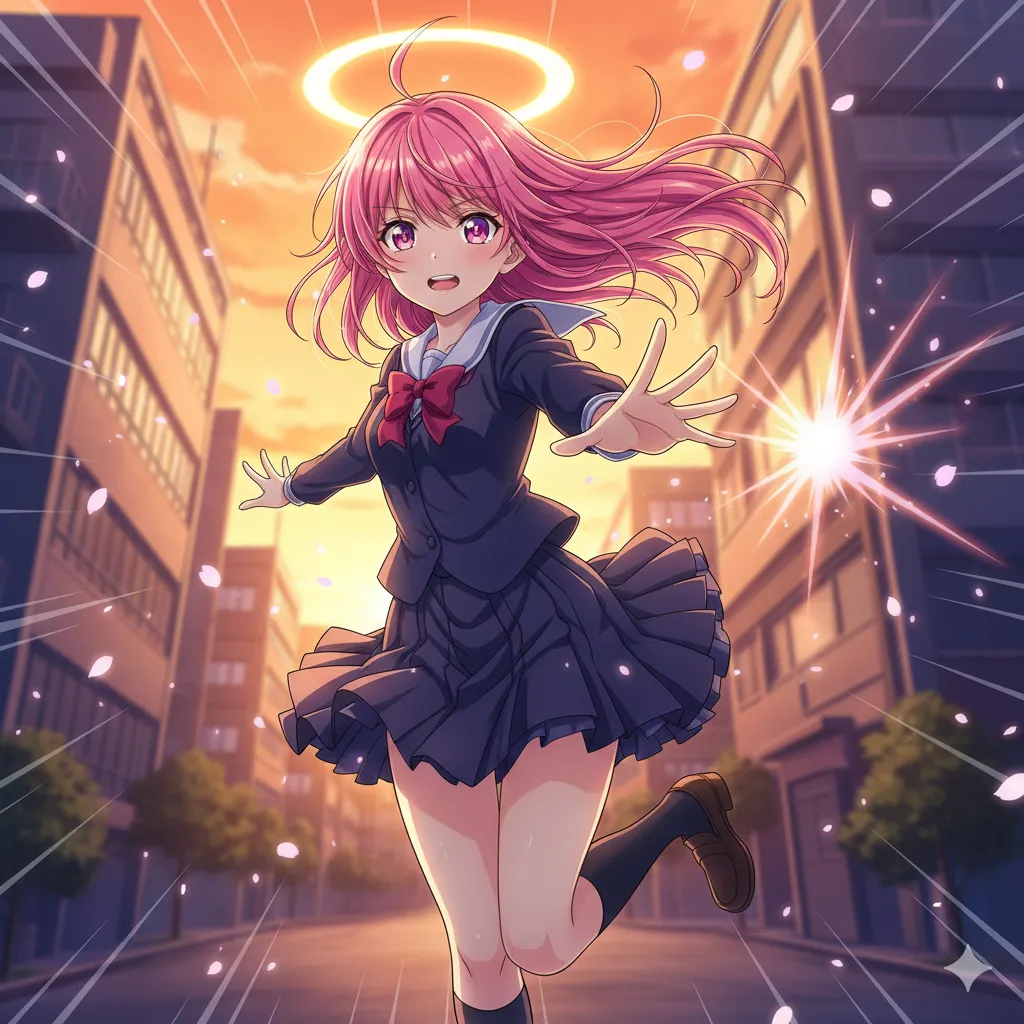
Anime
Vibrant cel-shaded art, expressive eyes, dynamic poses.
Try this style →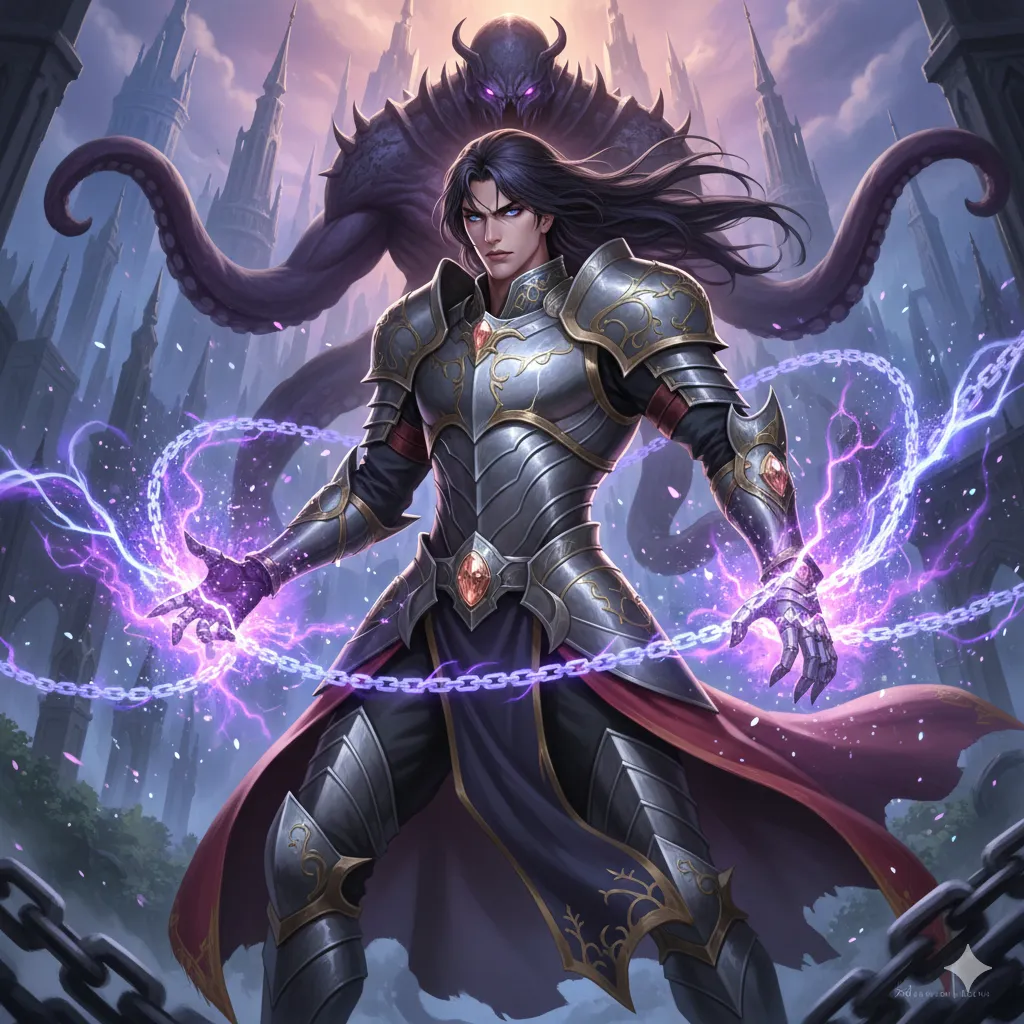
Manhwa
Korean webtoon style, full color, vertical flow.
Try this style →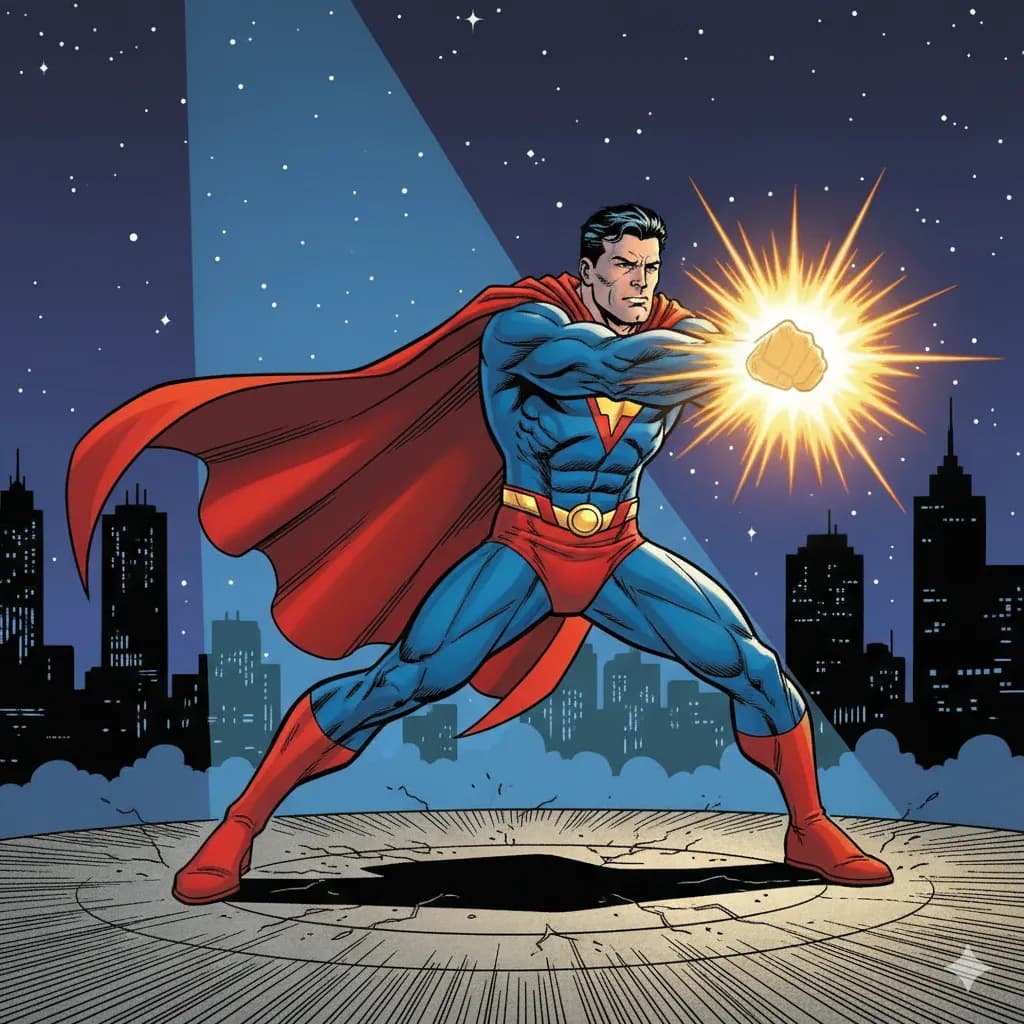
Superhero
Bold lines, vibrant colors, superhero aesthetics.
Try this style →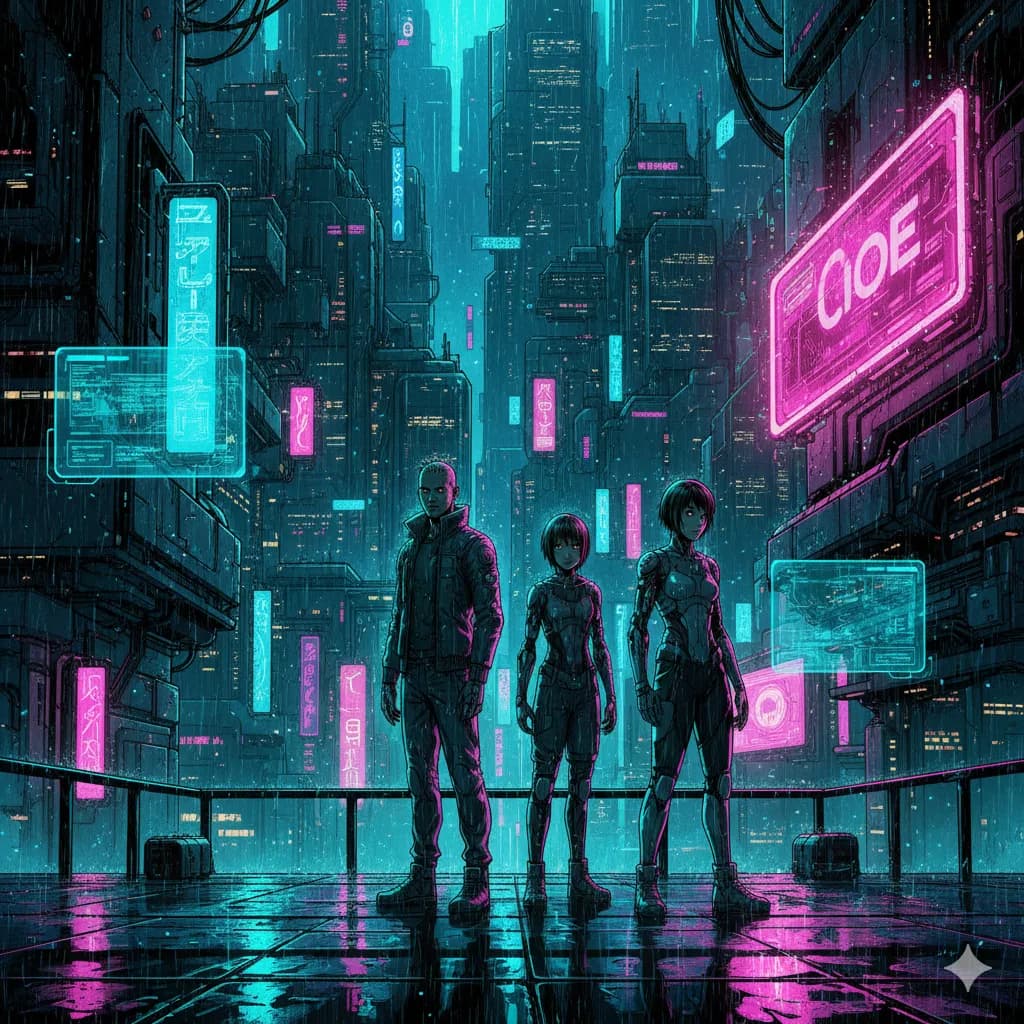
Sci-Fi
Futuristic settings, neon accents, tech-driven world.
Try this style →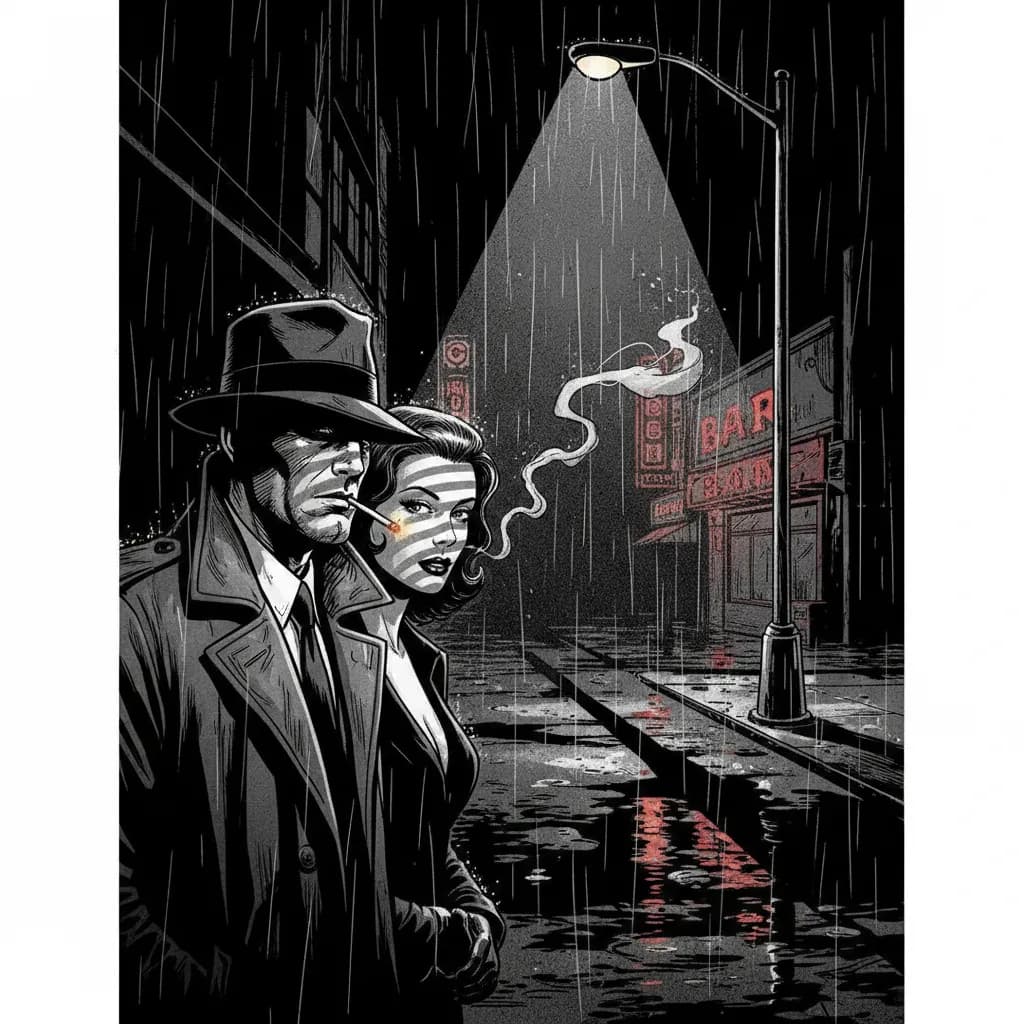
Noir
High contrast, dark moody tones, detective atmosphere.
Try this style →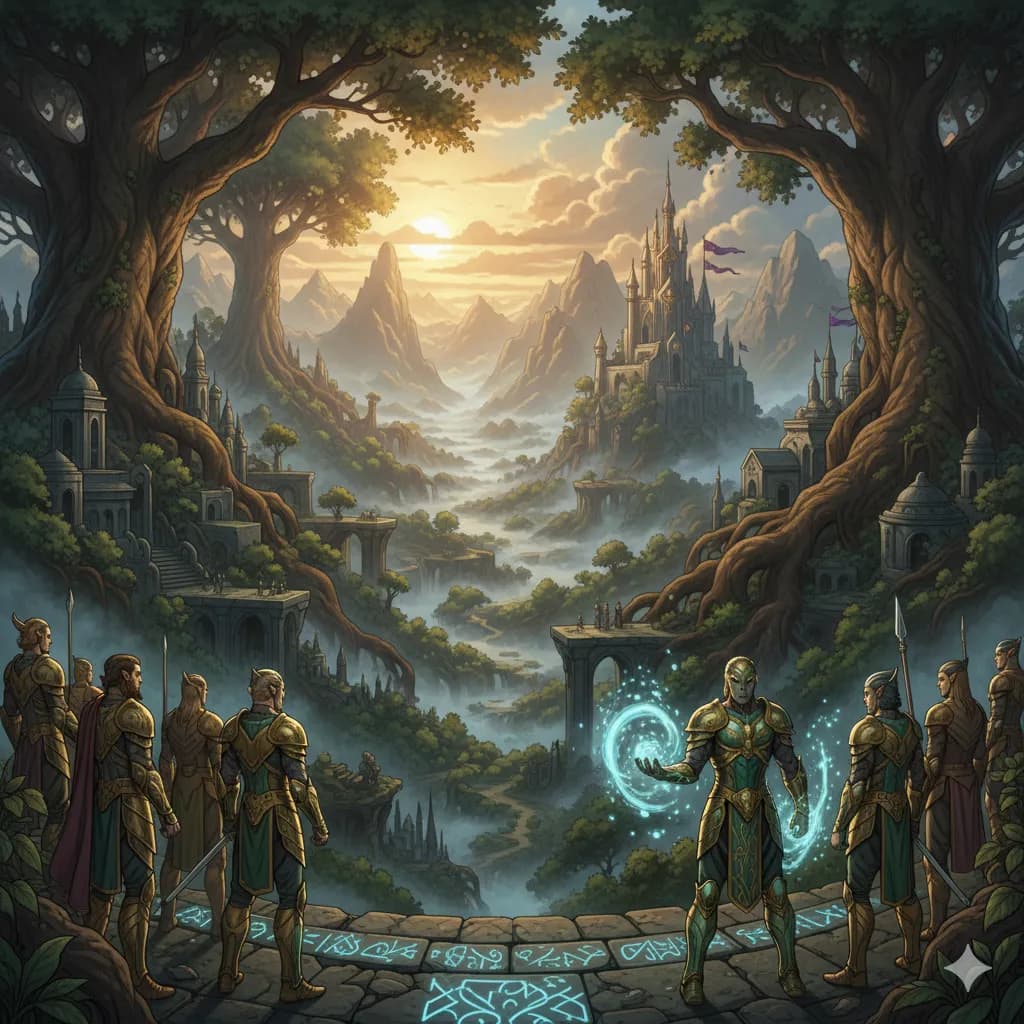
Fantasy
Epic landscapes, magical creatures, enchanted realms.
Try this style →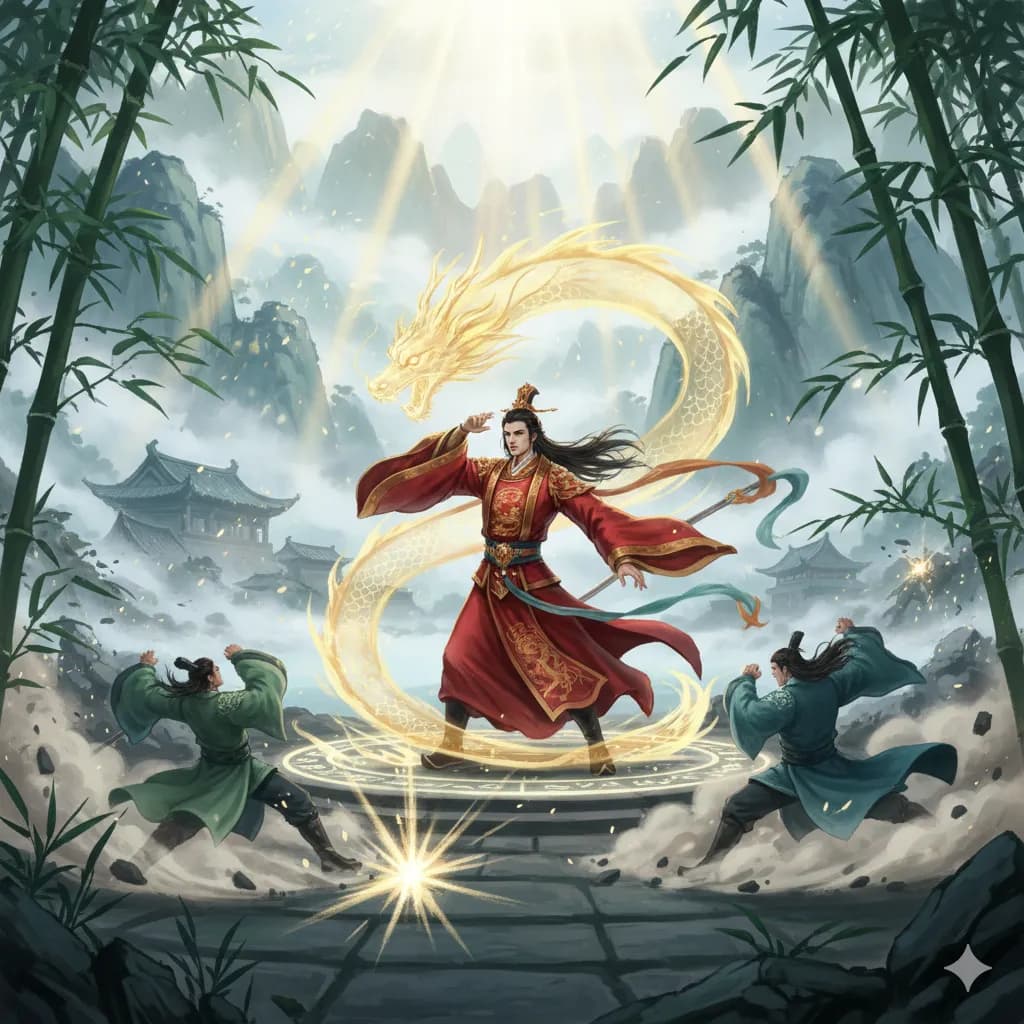
Manhua
Chinese comic style, rich colors, martial arts themes.
Try this style →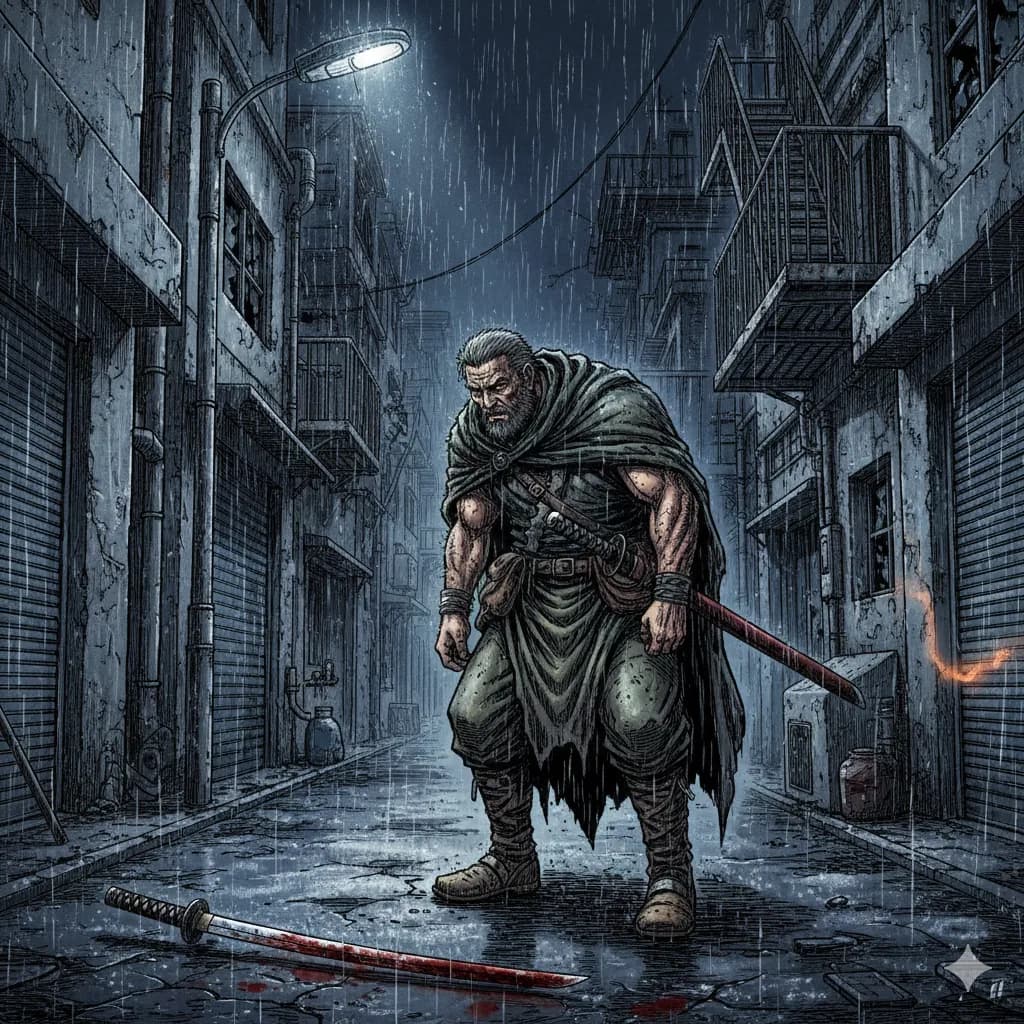
Seinen
Mature manga, detailed art, complex narratives.
Try this style →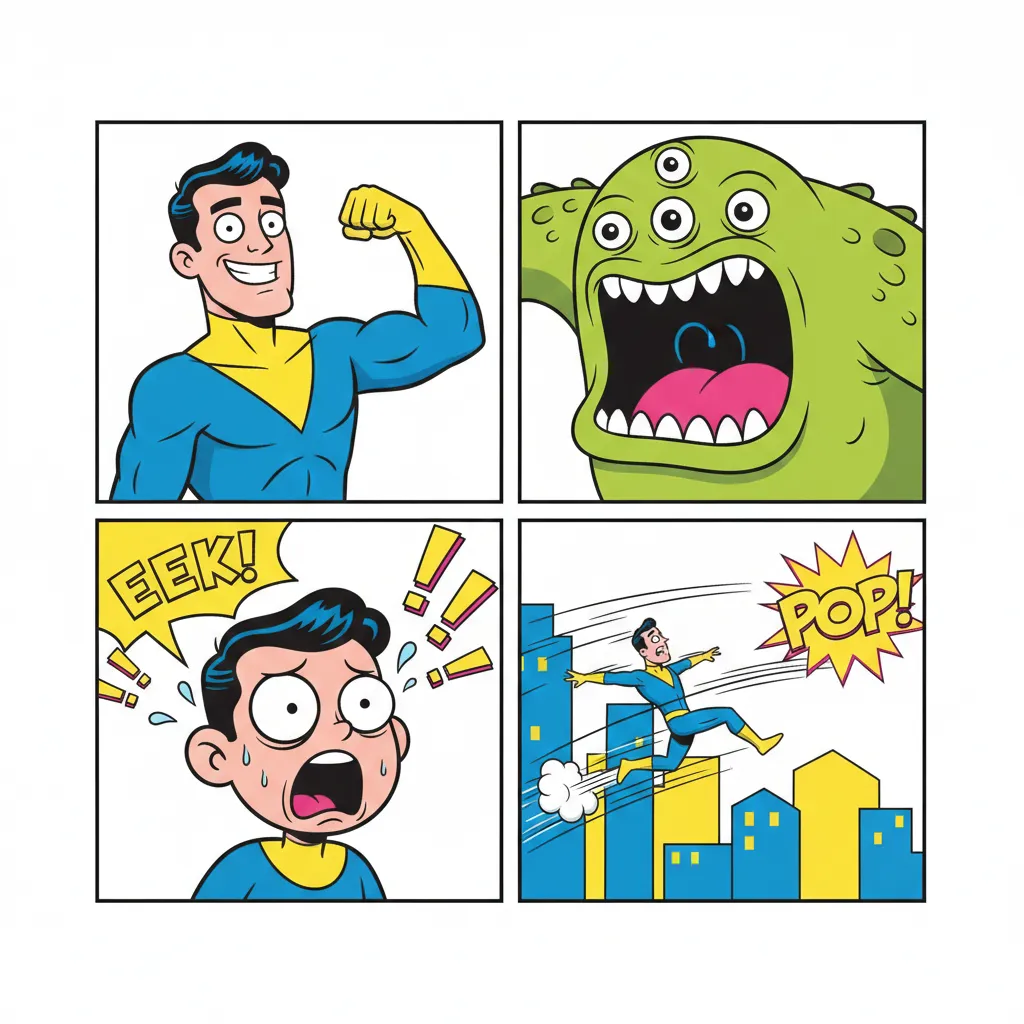
Comedy
Fun & expressive, bright colors, exaggerated features.
Try this style →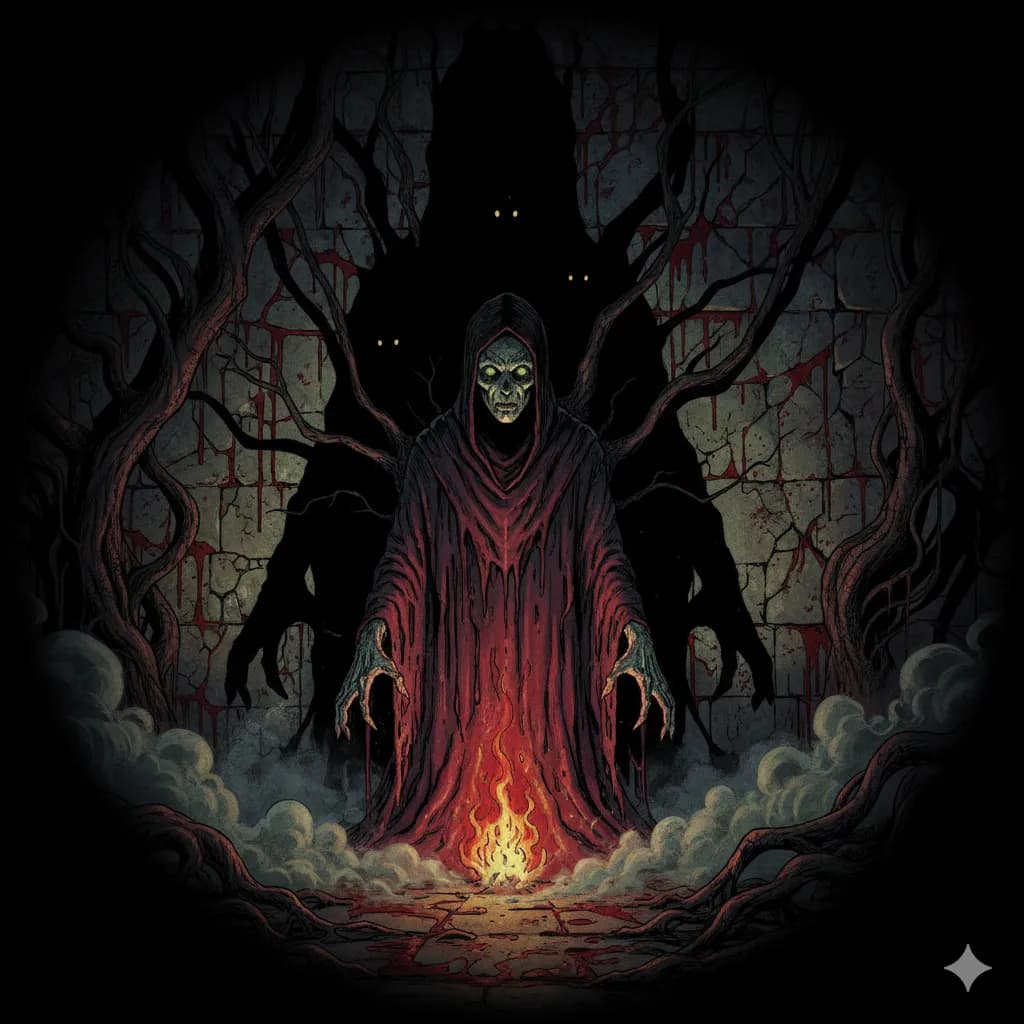
Horror
Dark shadows, eerie tones, spine-chilling imagery.
Try this style →Frequently Asked Questions
Can I publish AI-generated webtoons on Webtoon Canvas?
How do I keep characters consistent across episodes?
Is the vertical scroll format supported?
Can I make an ongoing series?
What styles work best for webtoons?
Can I monetize AI-generated webtoons?
How many pages per episode can I make?
Do I own the comics I generate?
Start Your Webcomic Today
Your story. AI art. Publish anywhere.
Create My WebcomicNo drawing skills required • Free tier available