
Photo to Manga Converter
Describe your character, choose a manga style, and generate authentic manga panels with your likeness — no drawing required.
Authentic manga art generation
How to Convert a Photo to Manga
From description to manga panel in under 2 minutes.
Describe Your Character
Describe the person from your photo — hair color, eye style, clothing, expression. AI creates a manga character from your description.
- ✓Describe physical features and style
- ✓AI generates a manga-faithful character
- ✓Character stays consistent across all pages
Choose Your Manga Style
Pick from manga sub-styles — shonen action, shojo romance, seinen drama, and more. Each has its own linework and composition.
- ✓Shonen: bold lines, action-focused
- ✓Shojo: expressive eyes, emotional scenes
- ✓Seinen: detailed, mature storytelling
Write Your Scene
Type what happens in the scene. AI generates a full manga page with your character, background, and dialogue boxes.
- ✓Single scene or full story arc
- ✓AI writes manga-style dialogue
- ✓Sound effects and emotion markers included
Generate & Export
AI draws your manga panels and assembles the pages. Download as HD PDF.
- ✓Authentic manga panel layouts
- ✓Up to 20 pages per manga
- ✓HD PDF export
Manga Art Styles
Different manga genres have different visual languages. Choose the one that matches your story.
Shōnen
High-energy action lines, bold compositions, intense expressions. For adventure and battle stories.
e.g. Naruto, Dragon Ball, My Hero Academia
Shōjo
Large expressive eyes, delicate linework, flower motifs. For romance and emotional stories.
e.g. Sailor Moon, Fruits Basket
Seinen
Detailed backgrounds, realistic proportions, mature themes. For complex narratives.
e.g. Berserk, Vagabond, Tokyo Ghoul
Mecha
Mechanical details, dramatic lighting, robot suits. For sci-fi action stories.
e.g. Gundam, Evangelion, Code Geass
Isekai
Fantasy worlds, magic effects, adventure vibes. For transported-to-another-world stories.
e.g. Sword Art Online, Re:Zero
Comedy
Chibi expressions, exaggerated reactions, sweat drops. For slice-of-life humor.
e.g. Gintama, Konosuba
Tips for Better Manga Results
Do
- ✓Describe distinctive features — hairstyle, eye color, and clothing are most important
- ✓Mention the emotional expression you want (determined, nervous, happy)
- ✓Specify if you want black-and-white or color manga art
- ✓Add context for the scene — a dojo, classroom, or forest background
Avoid
- ✕Vague descriptions like 'a person' — the more specific, the better the result
- ✕Describing too many characters at once — focus on 2-3 per scene
- ✕Skipping the art style selection — each style dramatically changes the output
- ✕Expecting photorealistic accuracy — AI creates manga-style art inspired by the description
Pro tip: Reference a specific manga genre you like (e.g. 'shonen action style') for more targeted results. Try it →
All Art Styles
Manga is one of 8 styles available. Explore the rest.
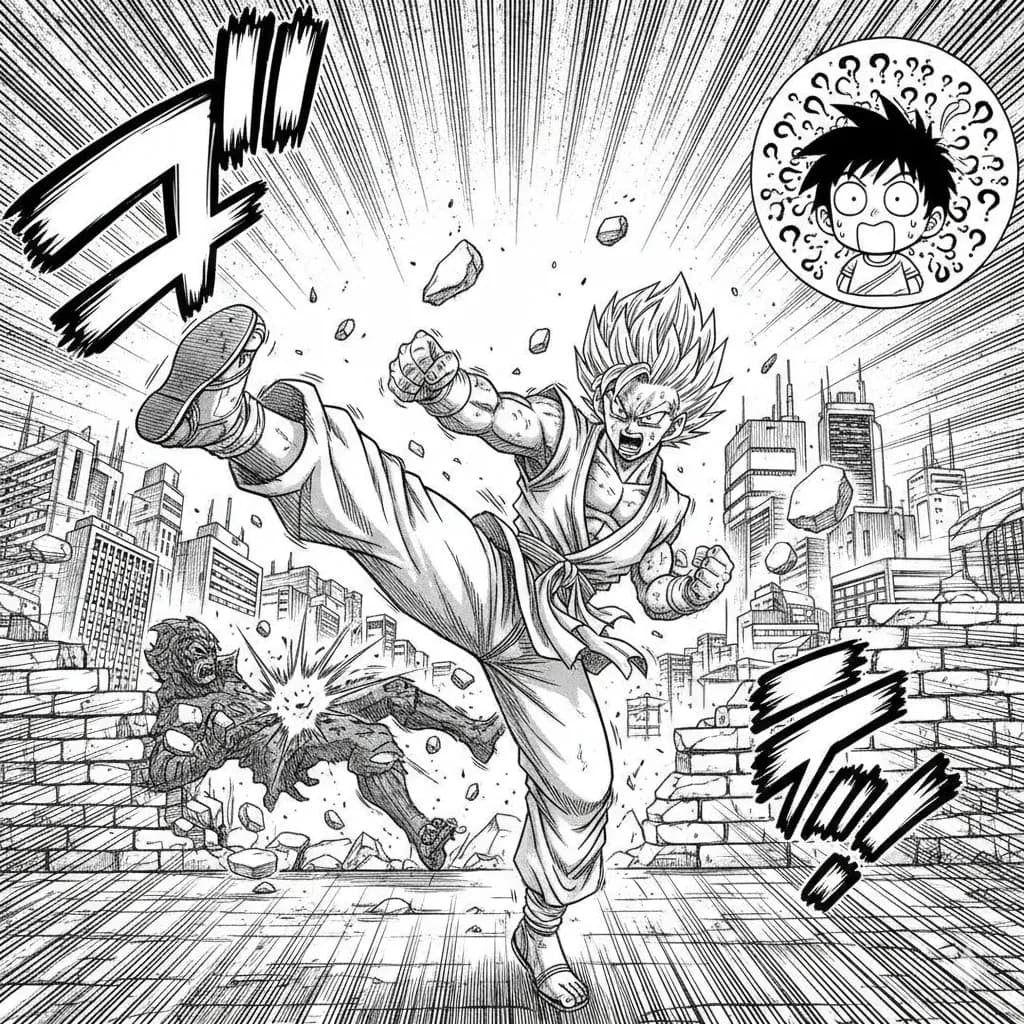
Manga
Classic Japanese manga with screentones and ink work.
Try this style →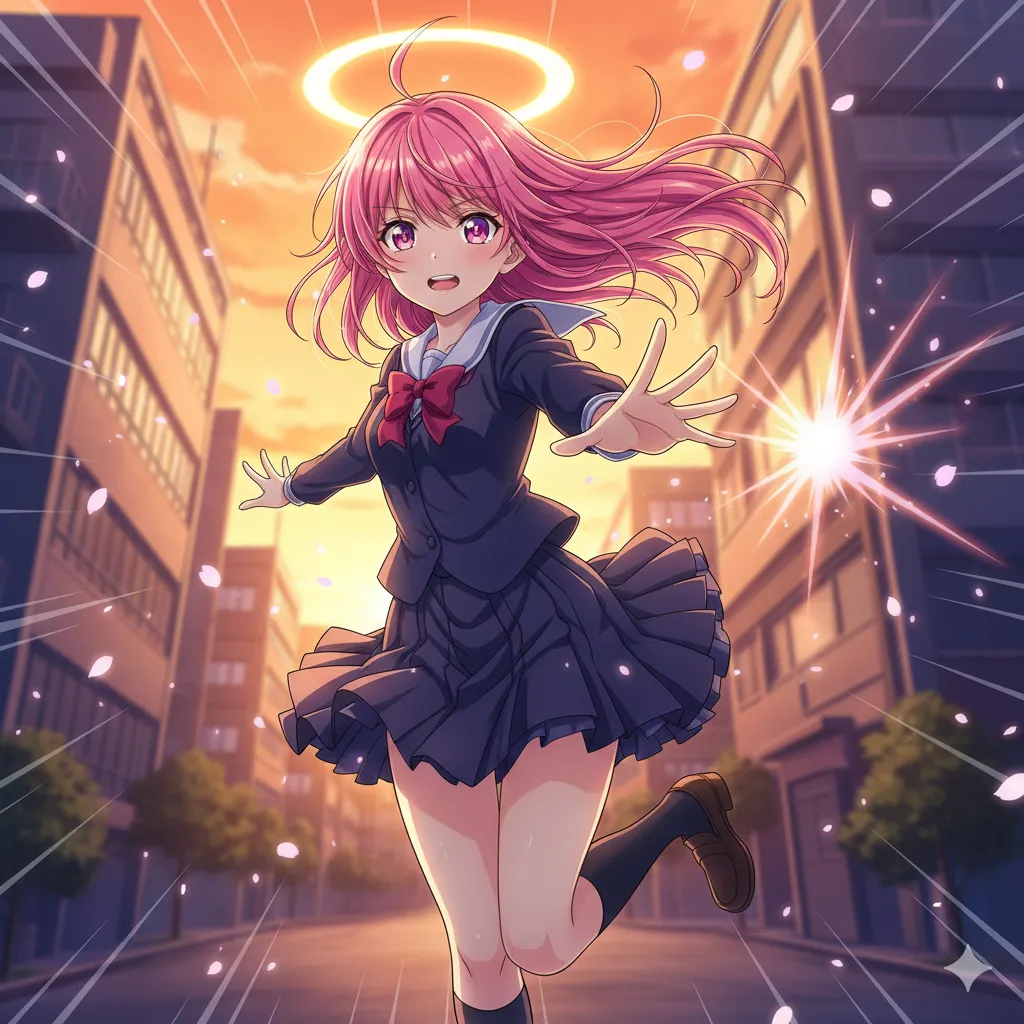
Anime
Vibrant cel-shaded art, expressive eyes, dynamic poses.
Try this style →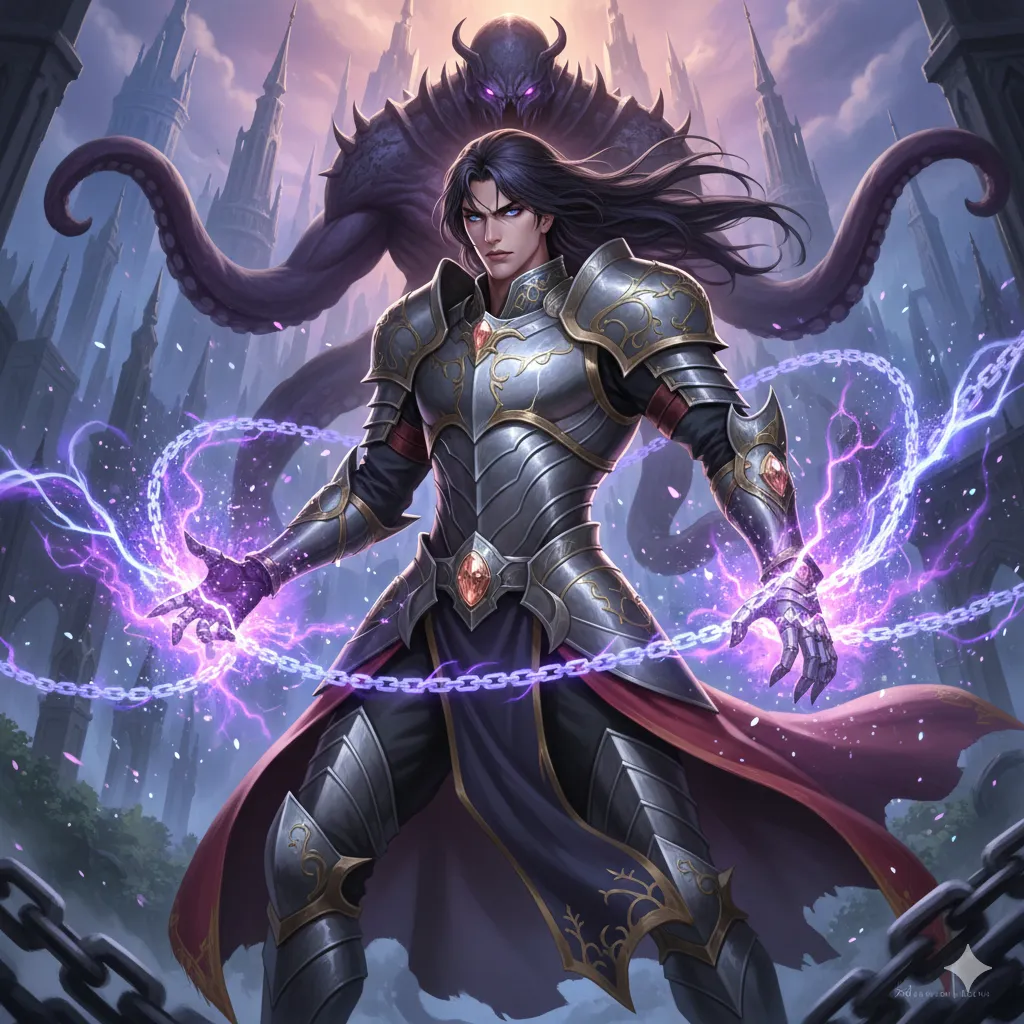
Manhwa
Korean webtoon style, full color, vertical flow.
Try this style →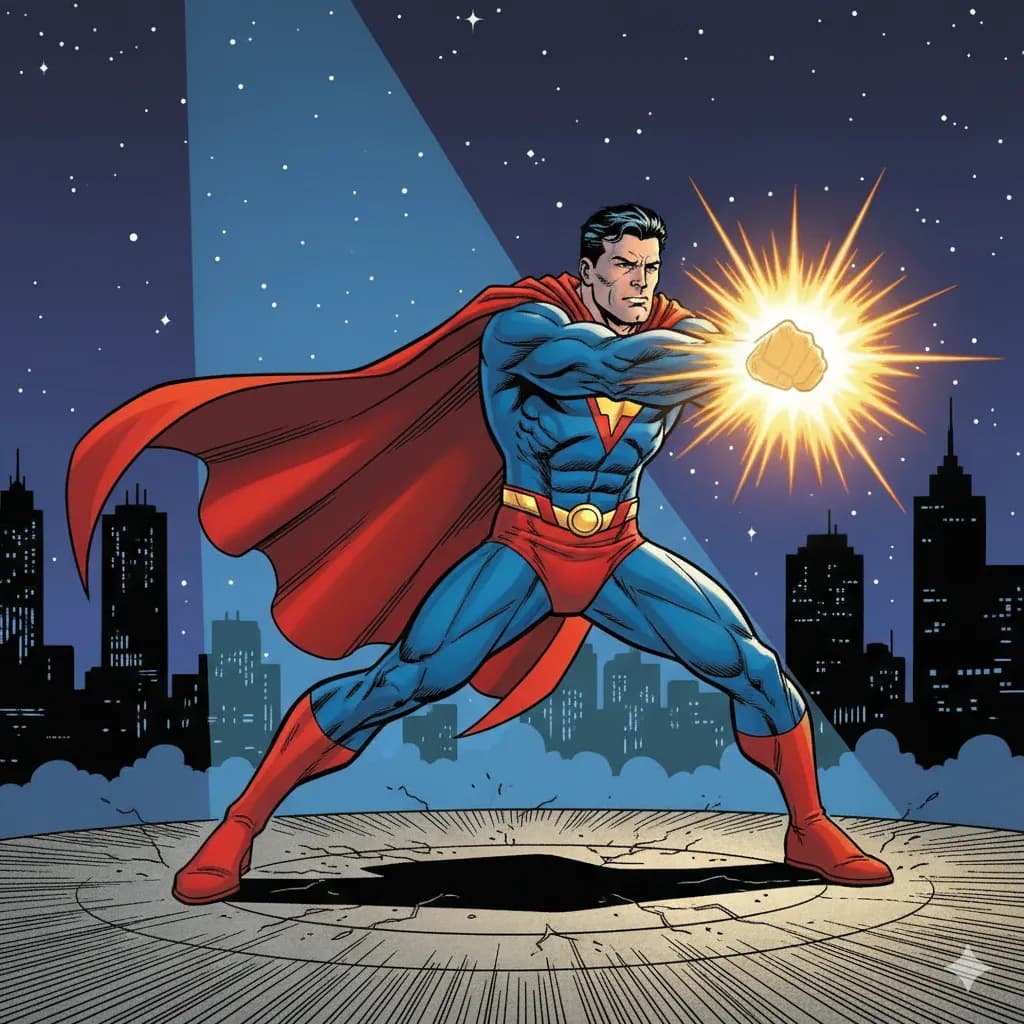
Superhero
Bold lines, vibrant colors, superhero aesthetics.
Try this style →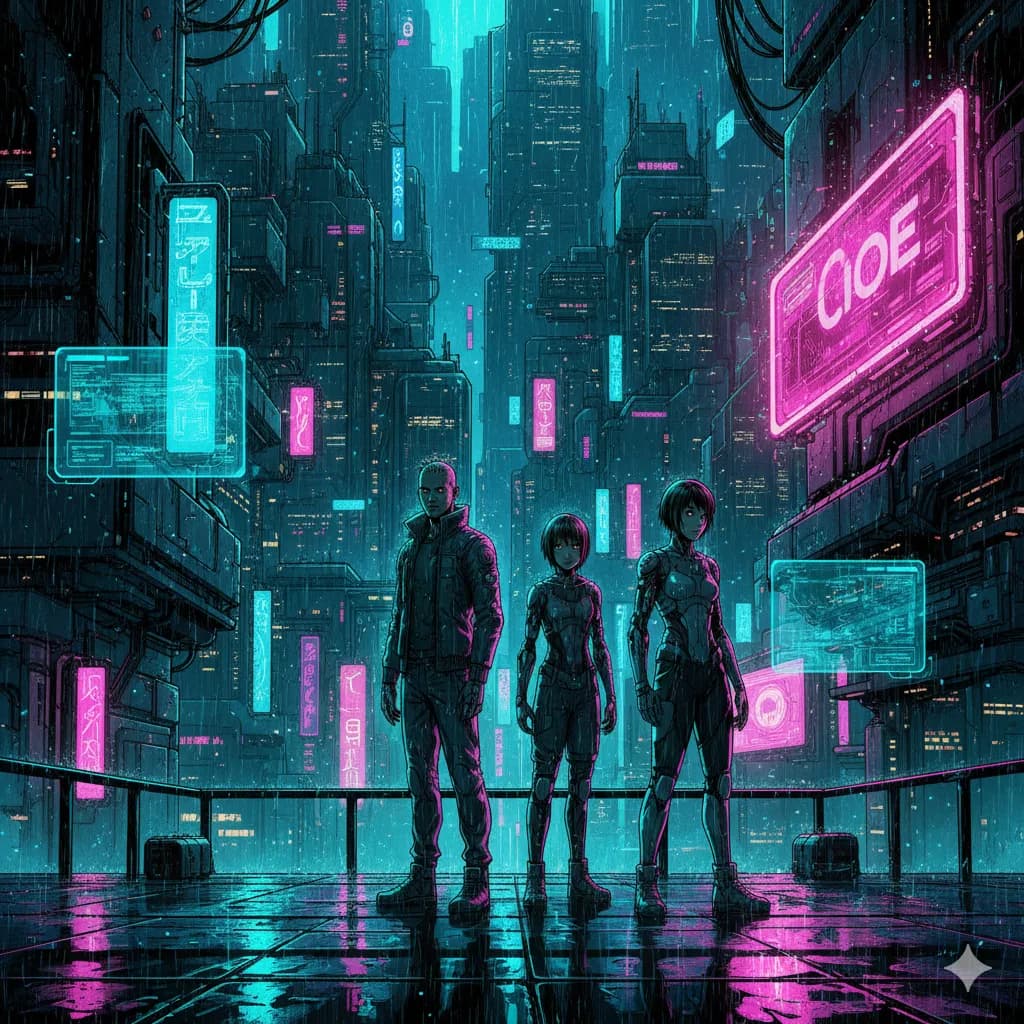
Sci-Fi
Futuristic settings, neon accents, tech-driven world.
Try this style →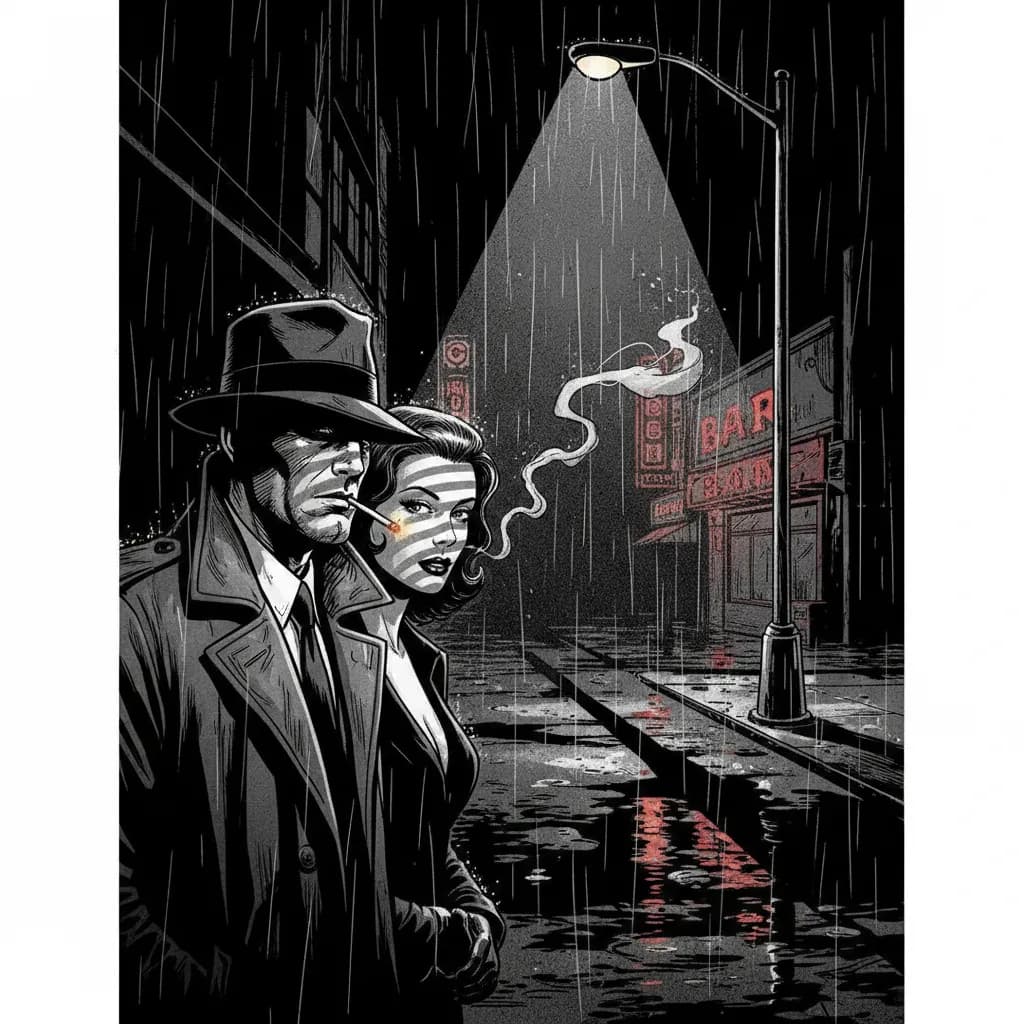
Noir
High contrast, dark moody tones, detective atmosphere.
Try this style →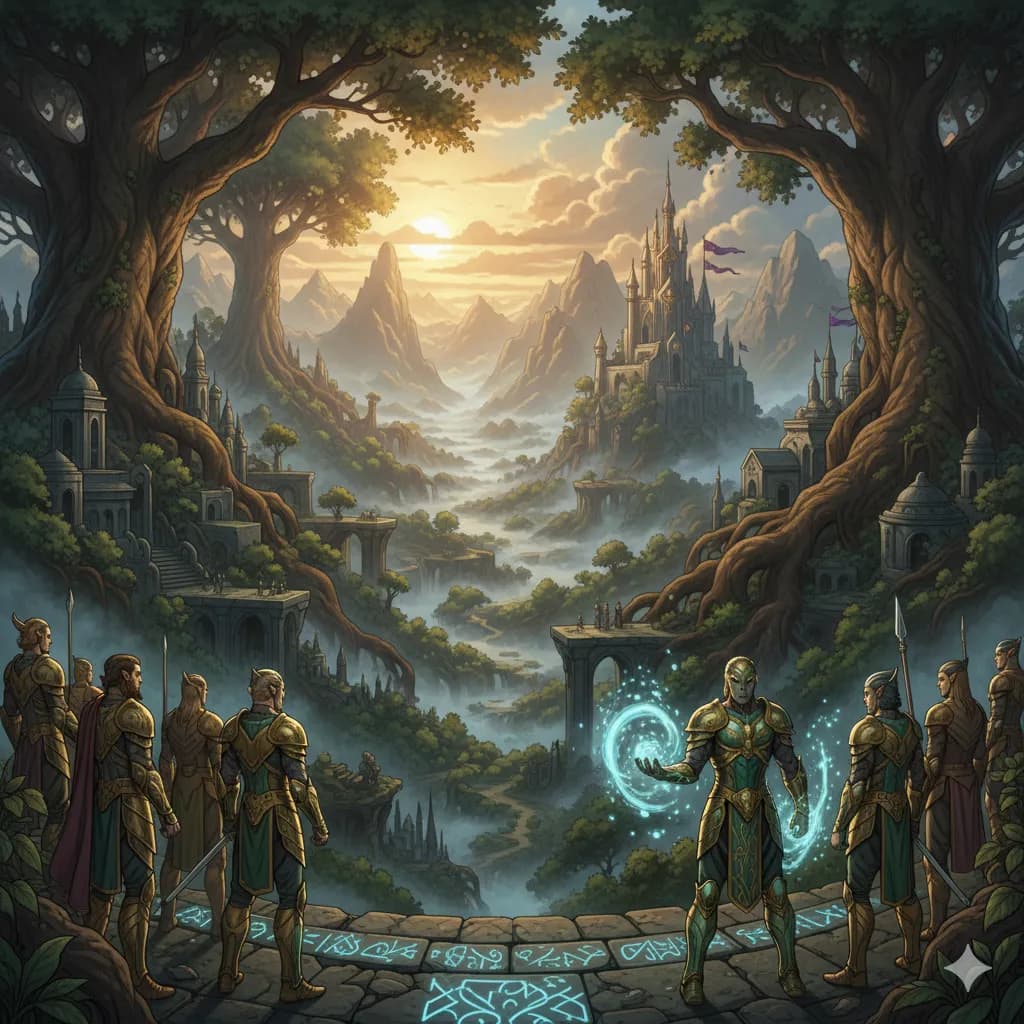
Fantasy
Epic landscapes, magical creatures, enchanted realms.
Try this style →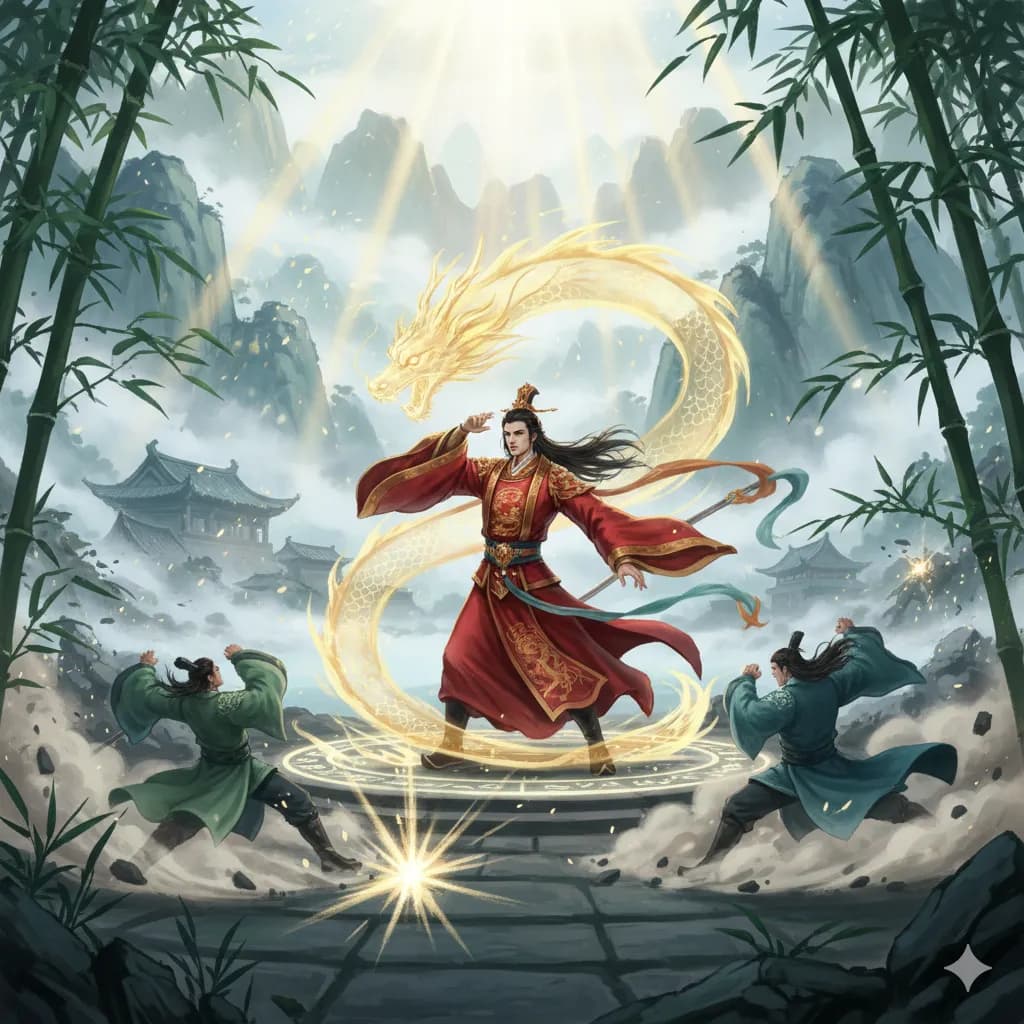
Manhua
Chinese comic style, rich colors, martial arts themes.
Try this style →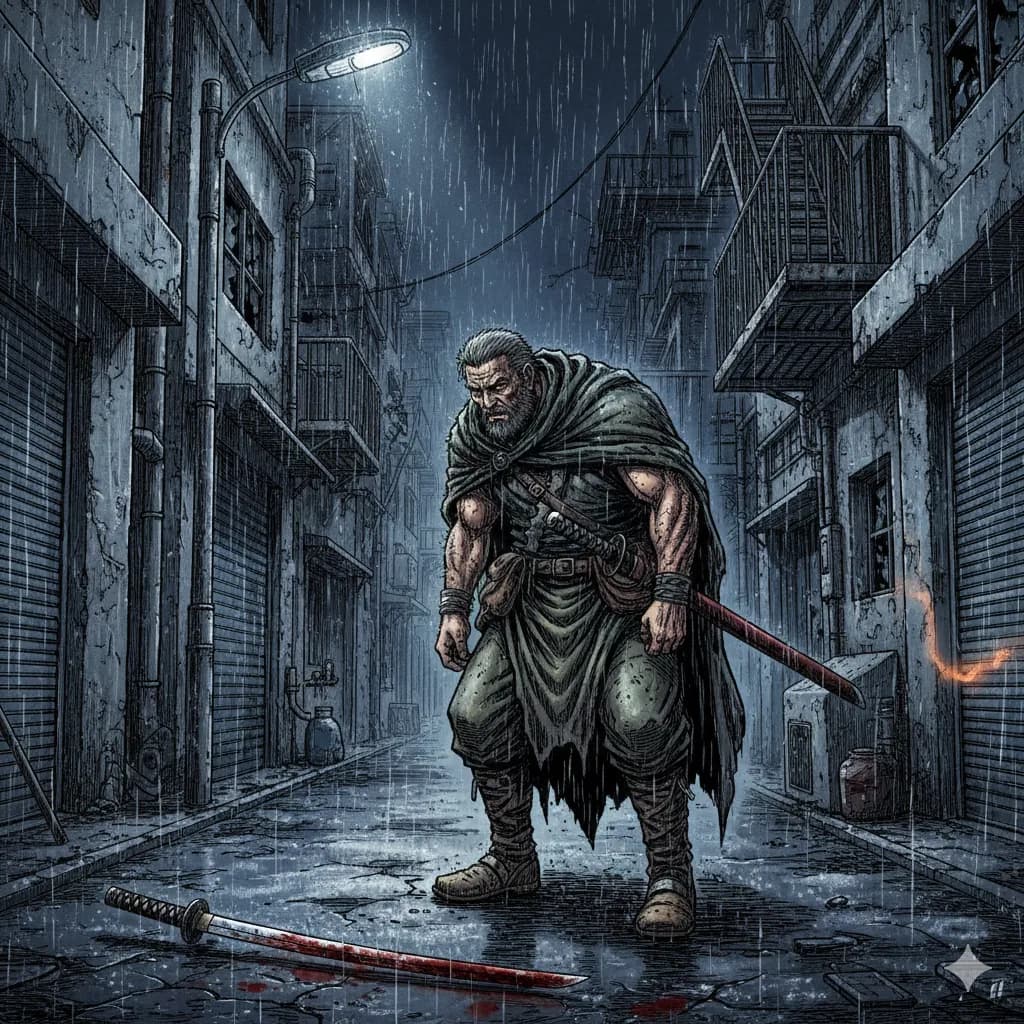
Seinen
Mature manga, detailed art, complex narratives.
Try this style →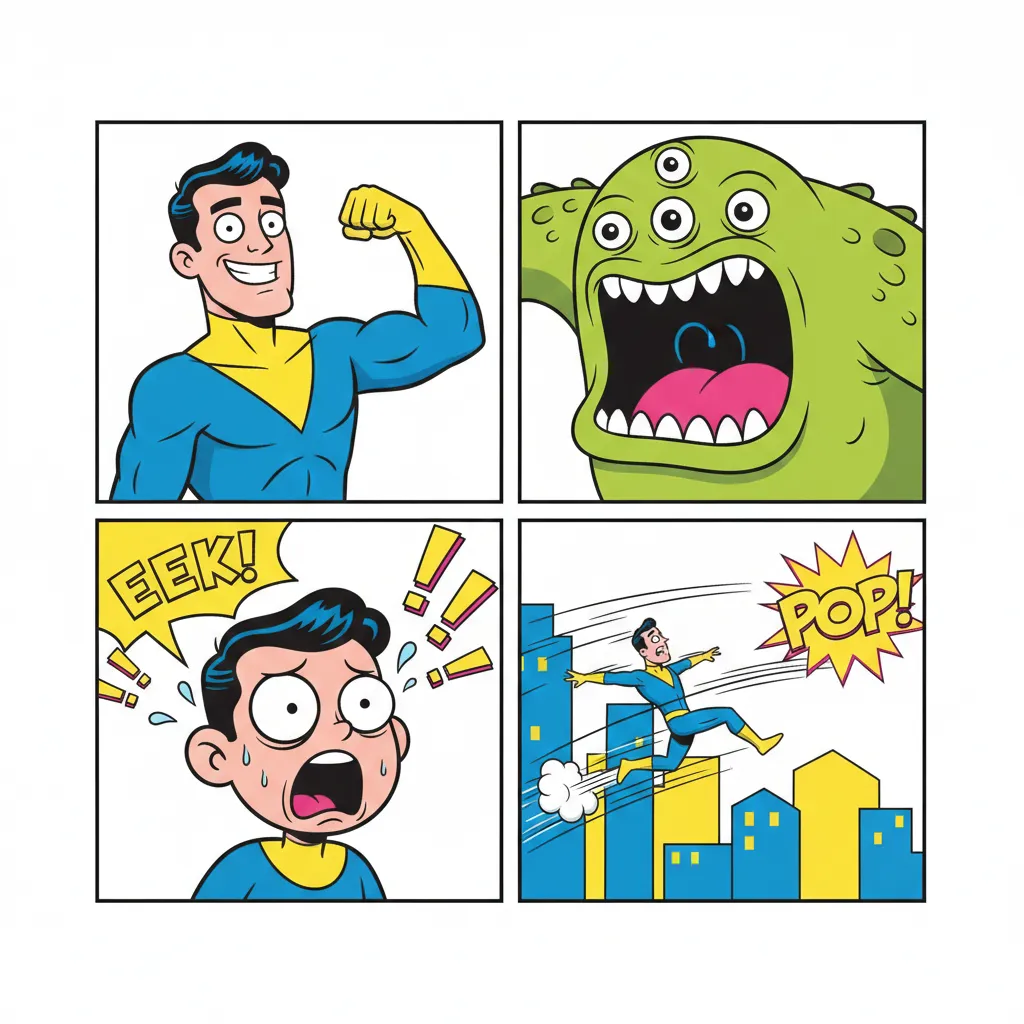
Comedy
Fun & expressive, bright colors, exaggerated features.
Try this style →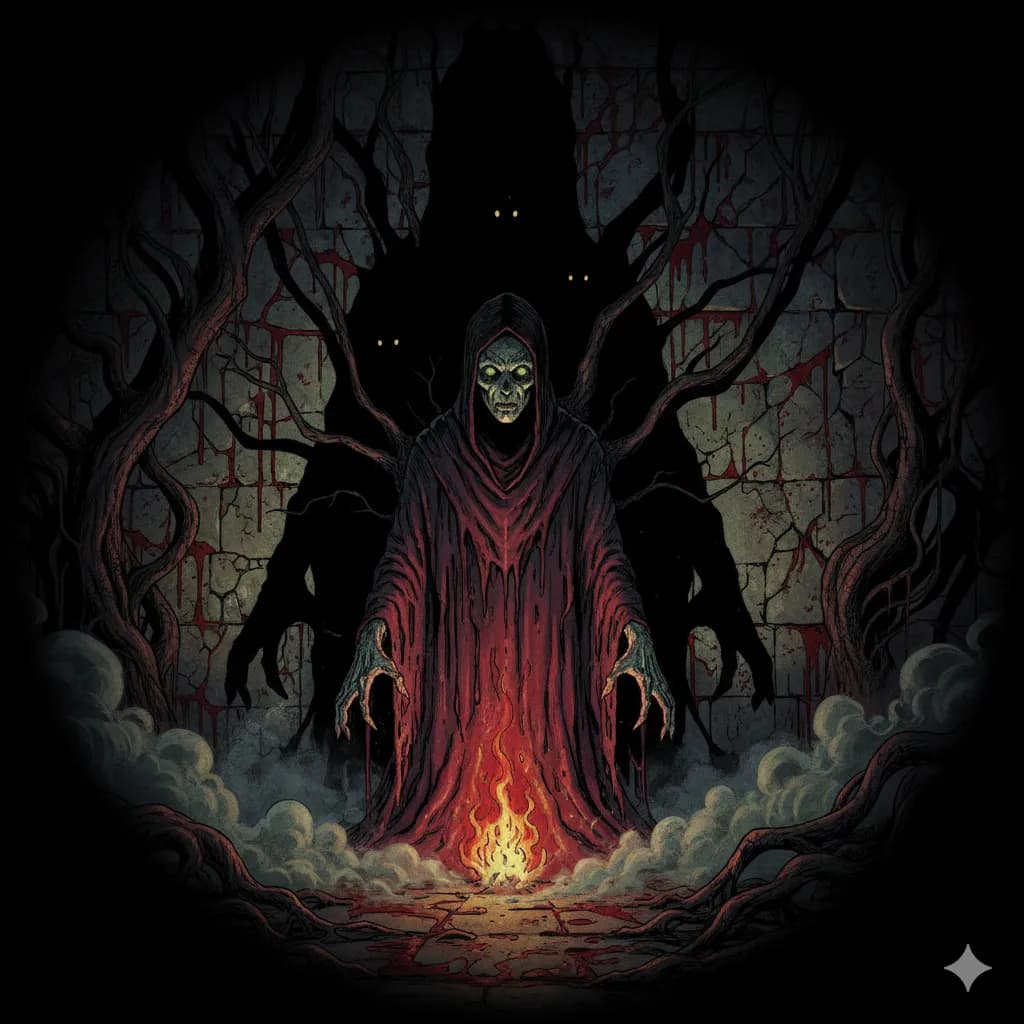
Horror
Dark shadows, eerie tones, spine-chilling imagery.
Try this style →Frequently Asked Questions
Can I turn a photo of myself into manga art?
What manga styles are available?
Is the output black and white or color?
How is this different from a photo filter app?
Can I make a manga about my original characters?
Does it support right-to-left reading order?
Can I generate a full manga book?
Is photo to manga free?
Create your manga character
Describe your look and AI draws it in authentic manga style — no filters, just real manga art.
Start Your MangaFree to start — 6 manga art styles available