
Comic Strip Maker
Describe your idea, choose a style, and AI generates a complete comic strip — panels, art, characters, and dialogue — in minutes. No drawing skills needed.
No drawing skills required
How to Make a Comic Strip with AI
From blank page to finished strip in under 3 minutes.
Describe Your Characters
Type a description of your characters. AI generates them in your chosen art style with consistent looks across every panel.
- ✓Name your characters and assign roles
- ✓AI draws them — no uploads needed
- ✓Consistent appearance in every panel
Pick an Art Style
Choose from 8 styles — superhero, manga, sci-fi, noir, and more. Each style changes the colors, linework, and mood of your strip.
- ✓8 distinct art styles available
- ✓Preview style differences before generating
- ✓Each style tells a different kind of story
Write Your Story Prompt
Describe what happens in your comic strip. AI breaks it into scenes, writes dialogue, and places everything into panels.
- ✓One sentence or a full paragraph — both work
- ✓AI writes the script and dialogue
- ✓Control the tone: funny, dramatic, action-packed
Generate & Export
AI draws every panel, adds speech bubbles, and assembles your strip. Download as HD PDF.
- ✓Ready in 2-3 minutes
- ✓HD PDF export included
- ✓Share or print your comic strip
Comic Strip Formats
Generate comic strips in any classic format — from 3-panel gag strips to full-page stories.
3-Panel Strip
The classic newspaper format. Setup, conflict, punchline. Great for humor and short gags.
4-Panel Strip
The standard webcomic format. Extra beat for character reaction or plot twist.
6-Panel Strip
More room for action and dialogue. Ideal for scenes with multiple characters.
Full-Page Story
A complete page with varied panel sizes. Best for dramatic or emotional stories.
Vertical Scroll
Stacked panels for mobile reading. Perfect for sharing on social media.
Manga Strip
Right-to-left panel flow in manga style. Ideal for anime-influenced stories.
8 Art Styles for Your Strip
Same story, completely different look depending on the style you choose.
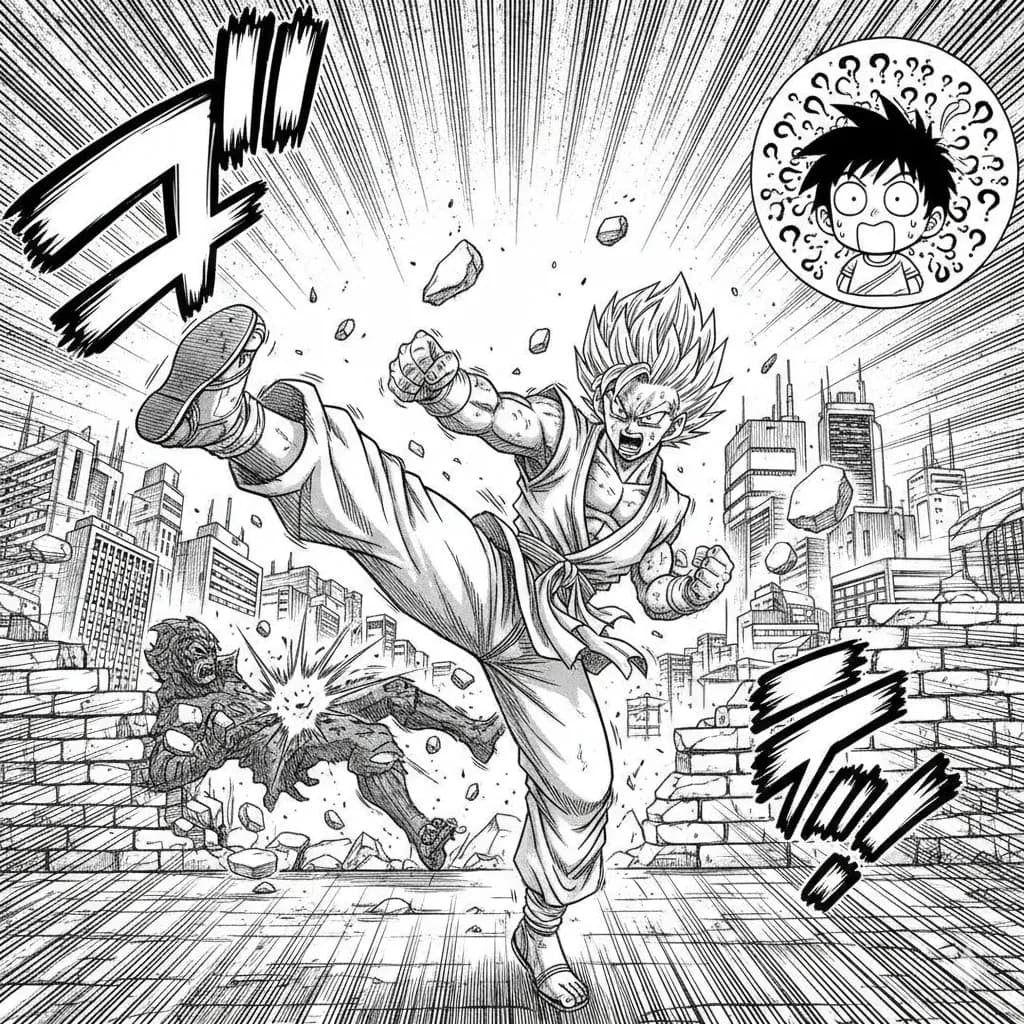
Manga
Classic Japanese manga with screentones and ink work.
Try this style →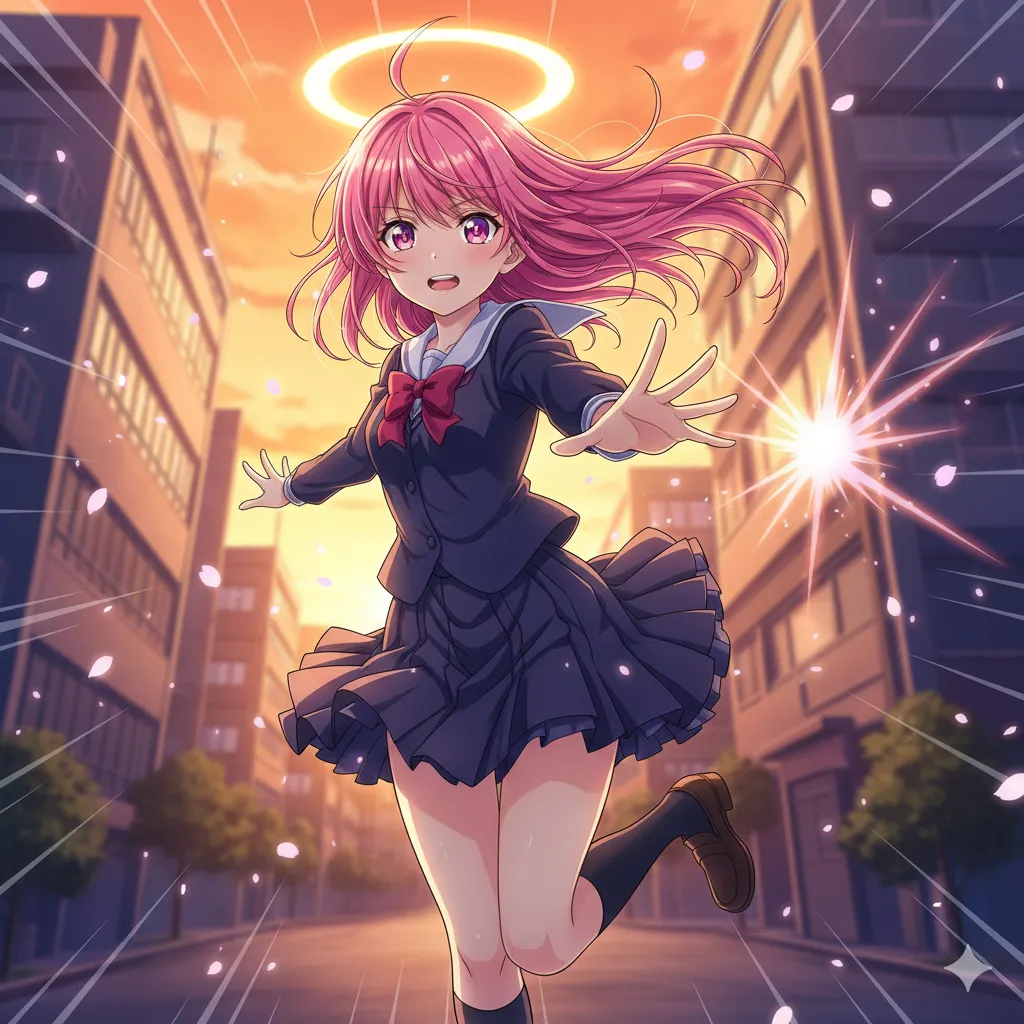
Anime
Vibrant cel-shaded art, expressive eyes, dynamic poses.
Try this style →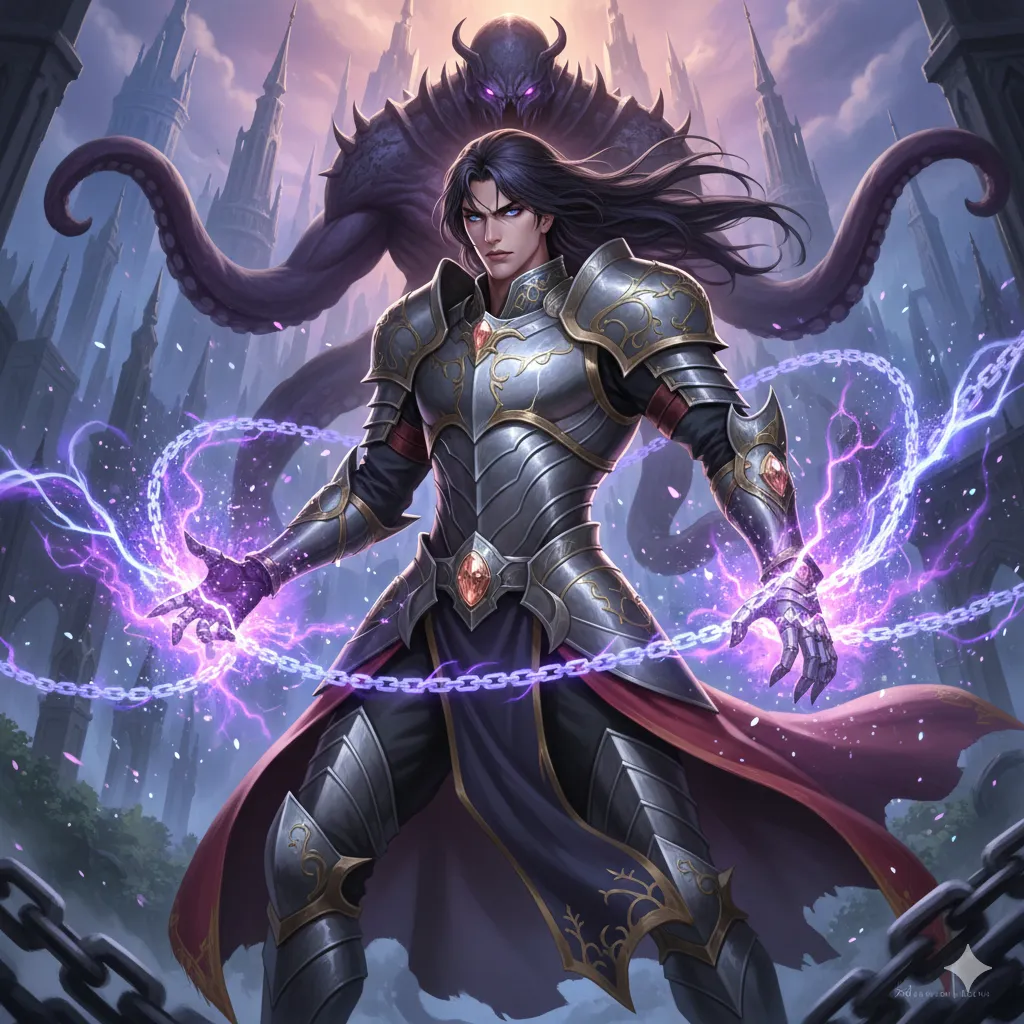
Manhwa
Korean webtoon style, full color, vertical flow.
Try this style →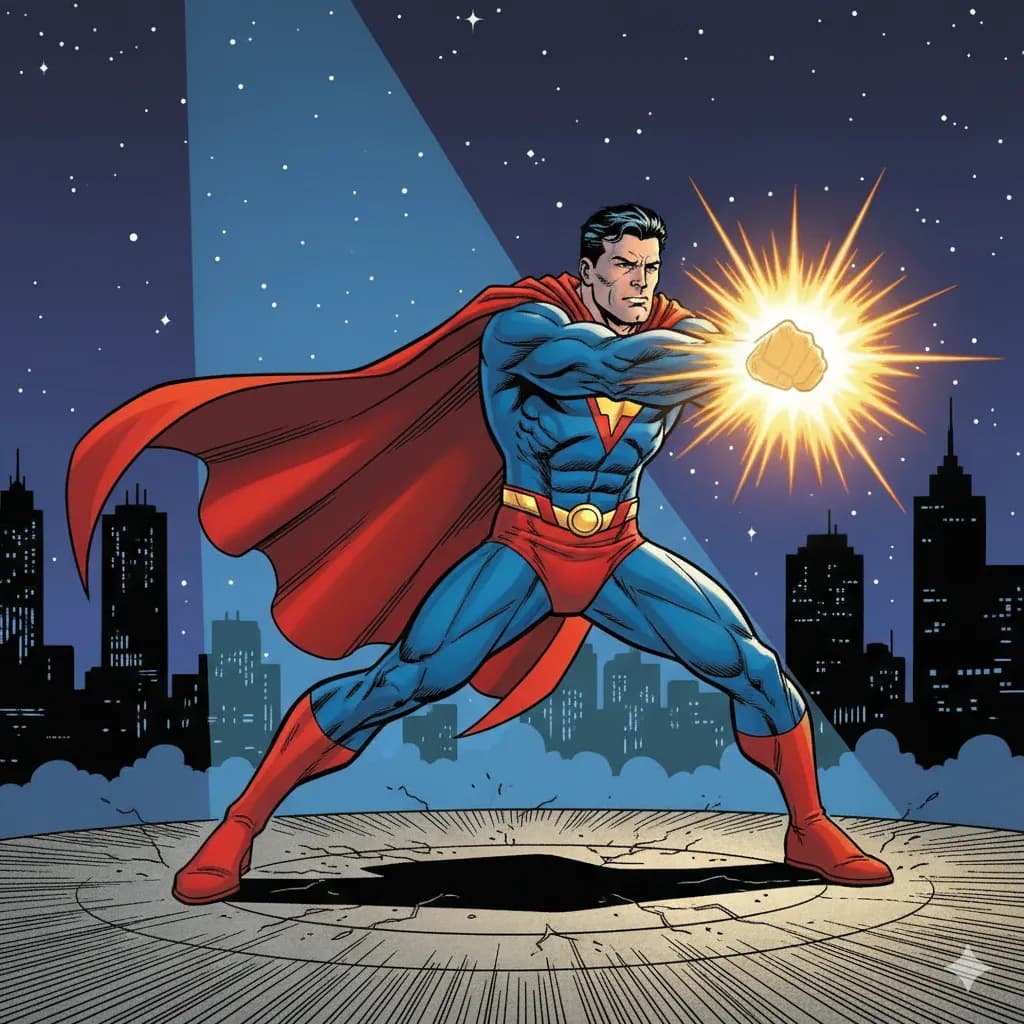
Superhero
Bold lines, vibrant colors, superhero aesthetics.
Try this style →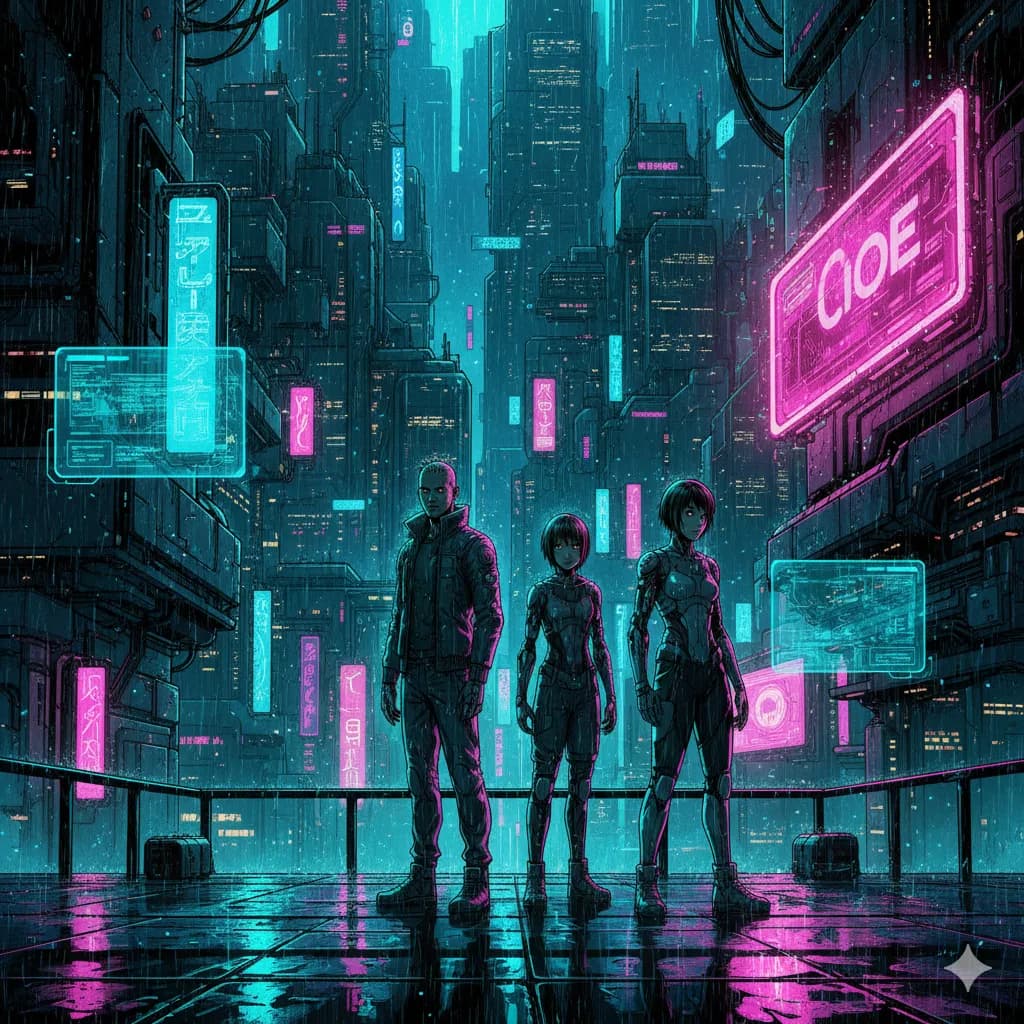
Sci-Fi
Futuristic settings, neon accents, tech-driven world.
Try this style →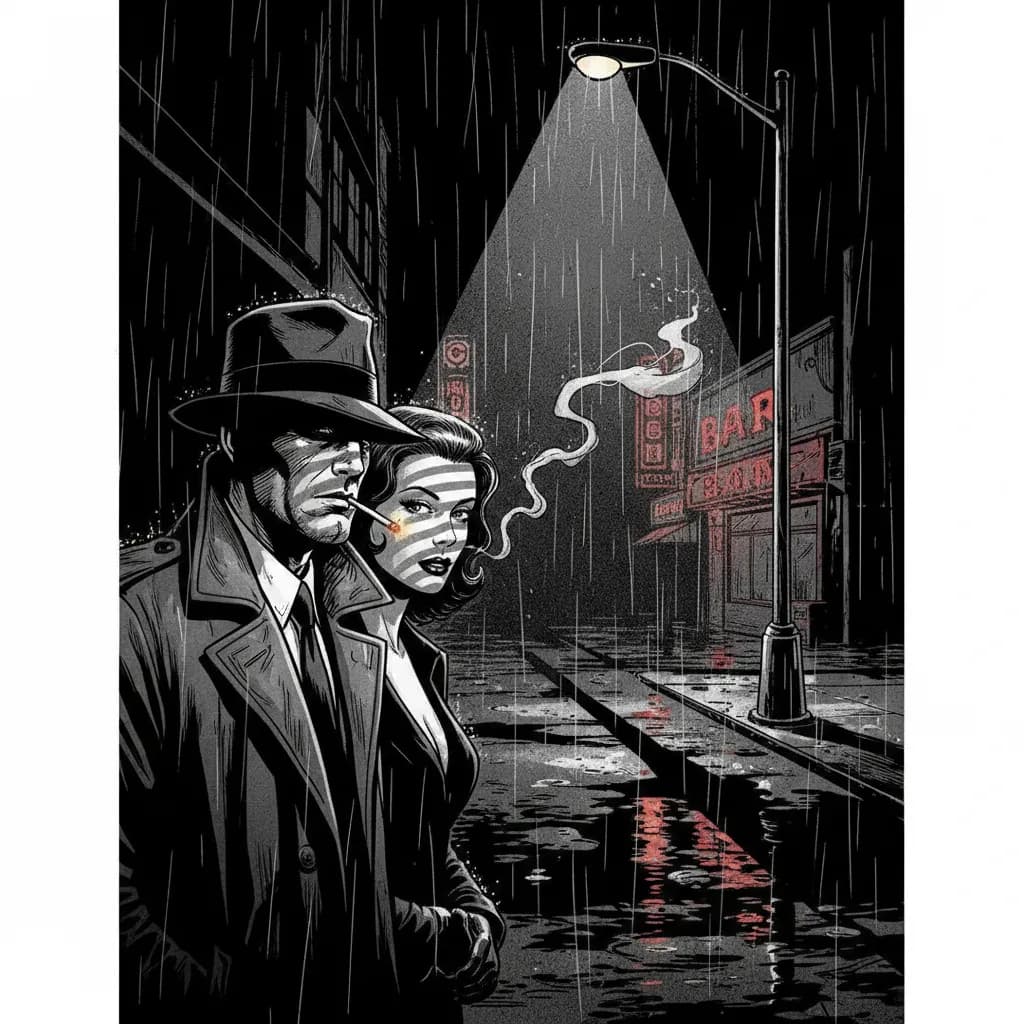
Noir
High contrast, dark moody tones, detective atmosphere.
Try this style →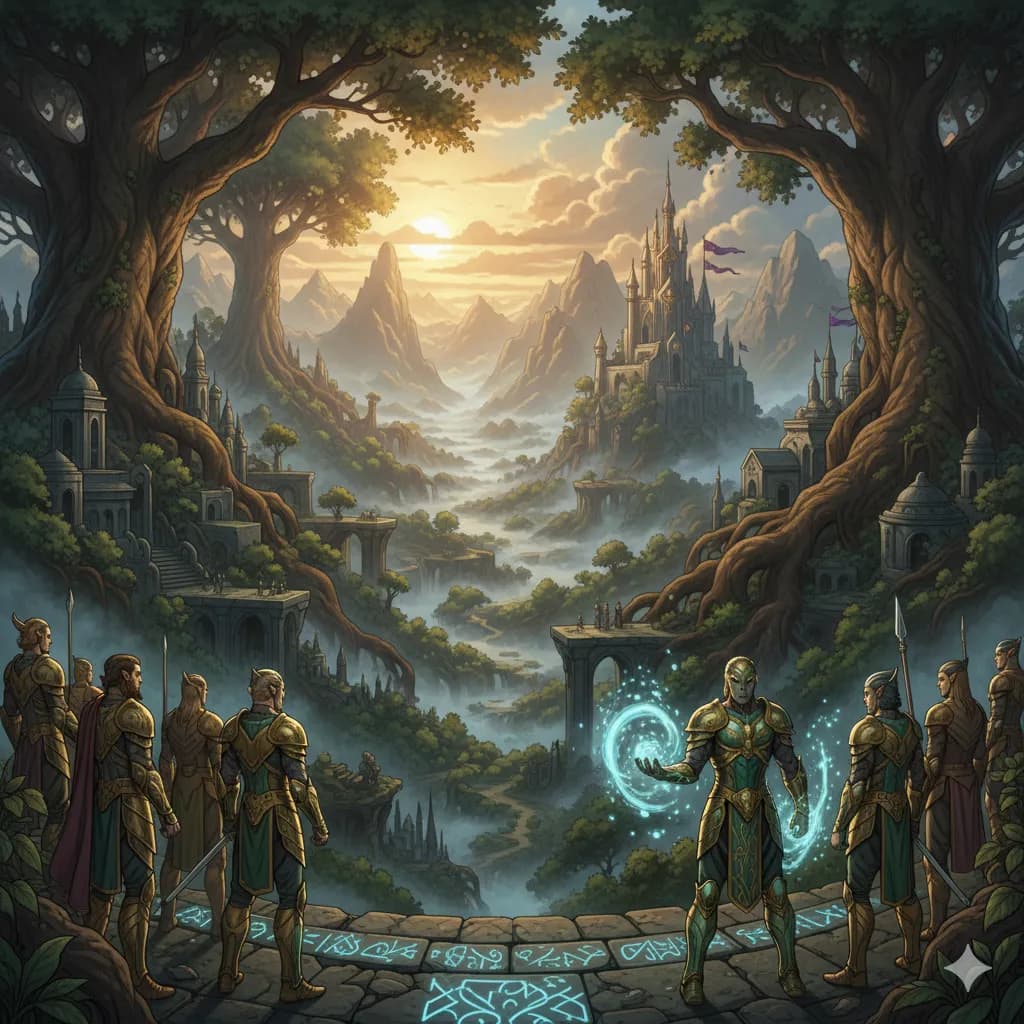
Fantasy
Epic landscapes, magical creatures, enchanted realms.
Try this style →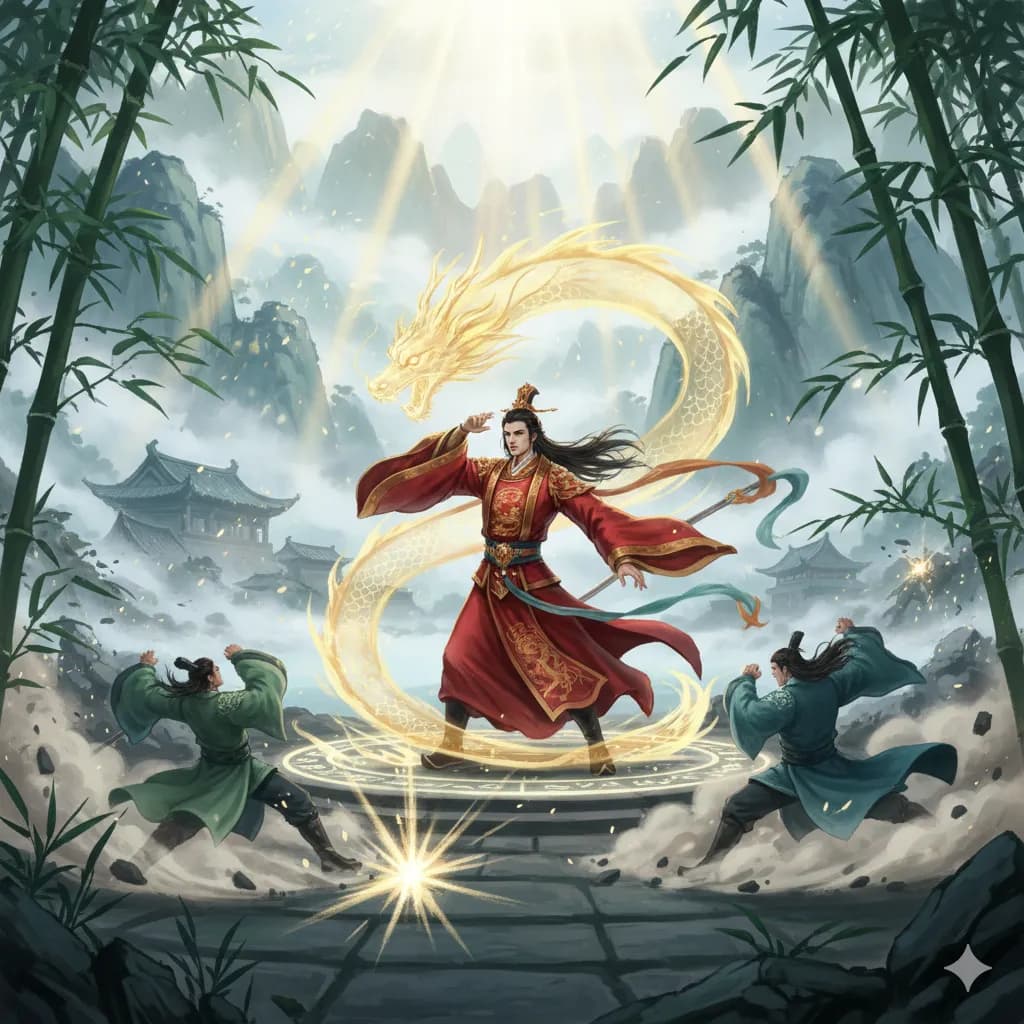
Manhua
Chinese comic style, rich colors, martial arts themes.
Try this style →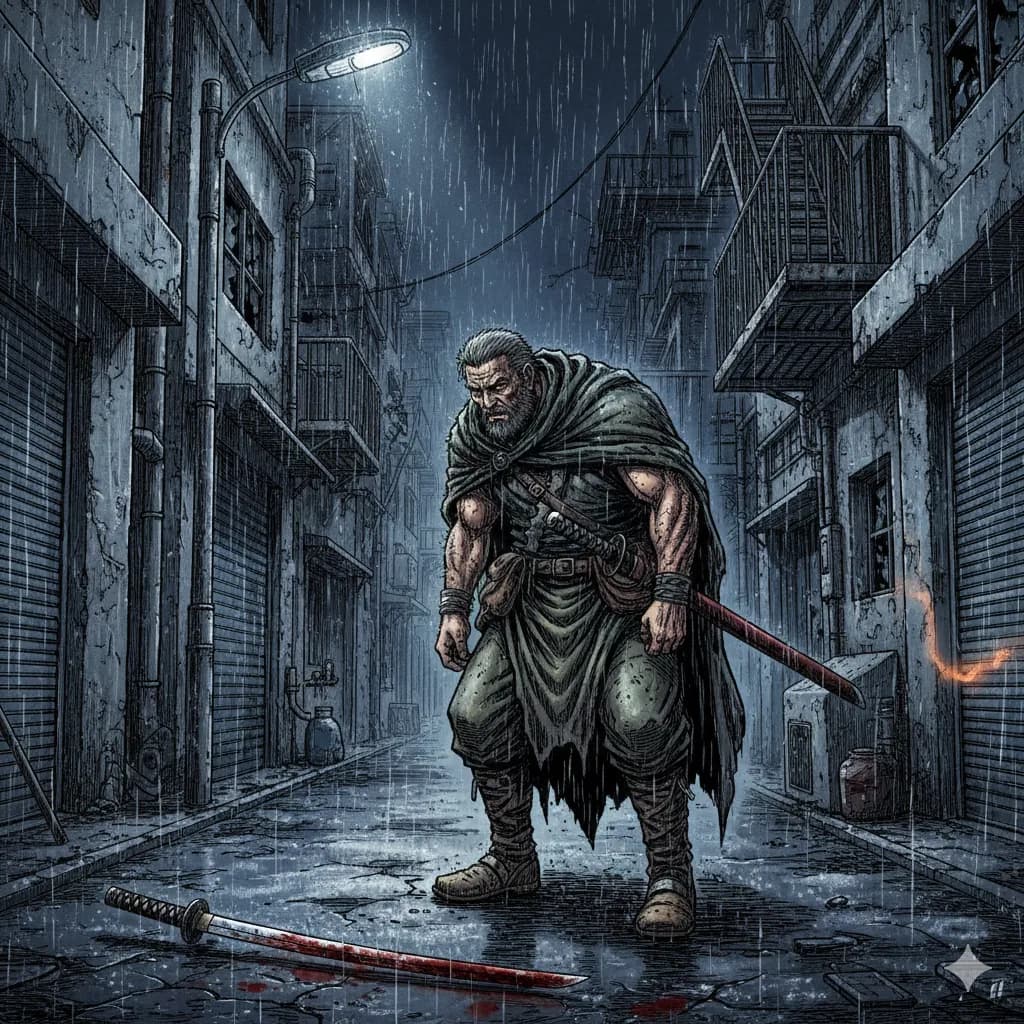
Seinen
Mature manga, detailed art, complex narratives.
Try this style →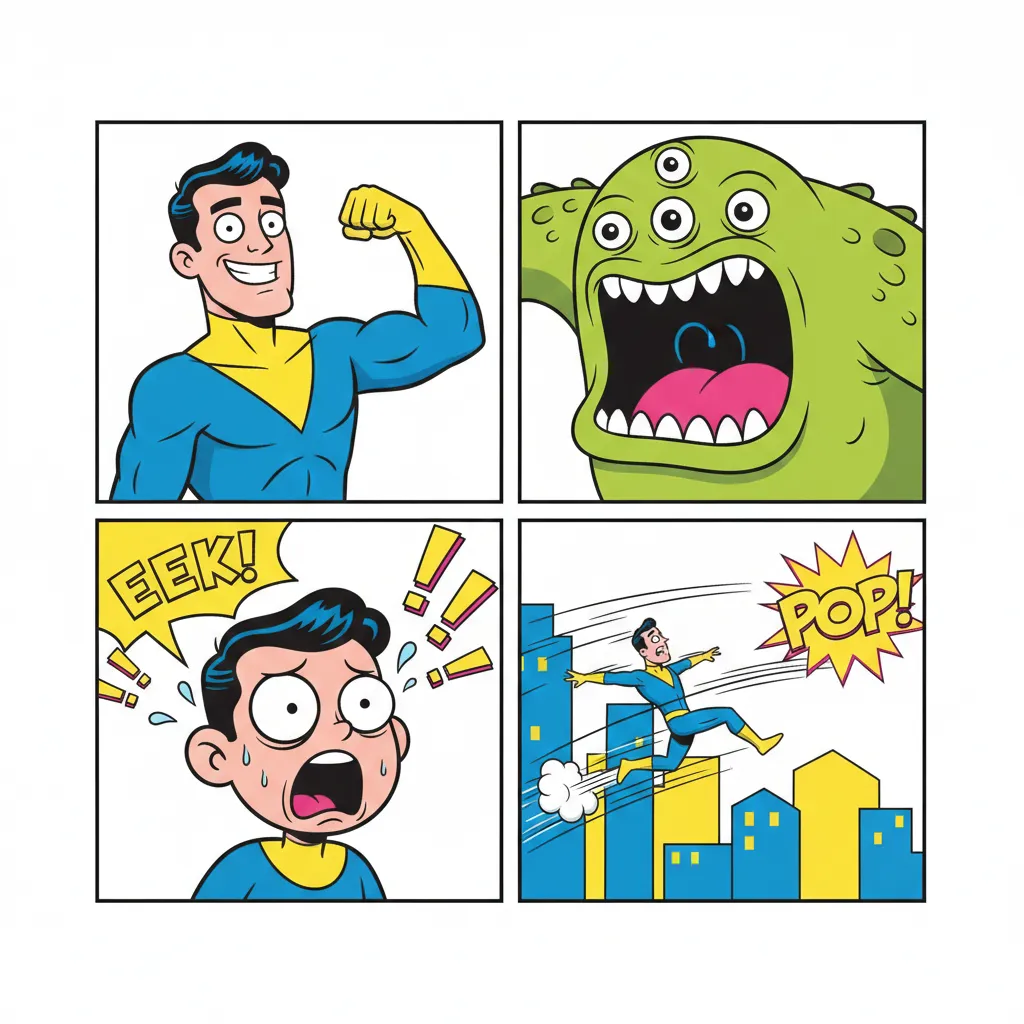
Comedy
Fun & expressive, bright colors, exaggerated features.
Try this style →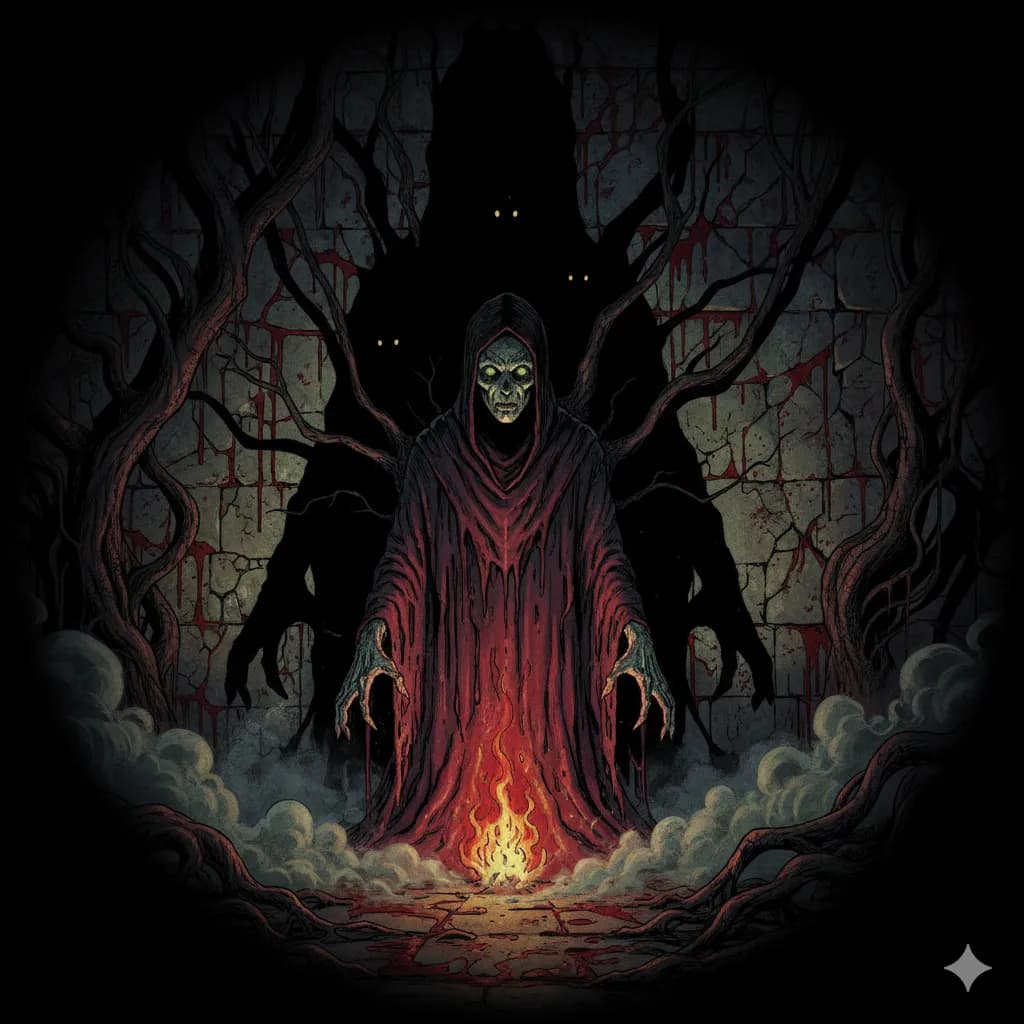
Horror
Dark shadows, eerie tones, spine-chilling imagery.
Try this style →How COMICPAD Compares
| Feature | COMICPAD | Canva | Pixton |
|---|---|---|---|
| AI-generated art | ✓ | ✕ | ✕ |
| Original characters | ✓ | ✕ | ✓ |
| Character consistency | ✓ | ✕ | ✕ |
| Full story generation | ✓ | ✕ | ✕ |
| Speech bubbles | ✓ | ✓ | ✓ |
| 8 art styles | ✓ | Limited | Limited |
| Free tier | ✓ | ✓ | ✓ |
| No drawing needed | ✓ | ✓ | ✕ |
Frequently Asked Questions
What is an AI comic strip maker?
How is this different from Canva or Pixton?
Can I make a funny comic strip?
How many panels can I have?
Do I need drawing skills?
Can I make a comic strip for free?
What file formats can I download?
Can I make comic strips in languages other than English?
Make your first comic strip in minutes
No templates. No drag-and-drop. AI generates every panel from your description.
Start Creating FreeFree plan available — no drawing skills needed